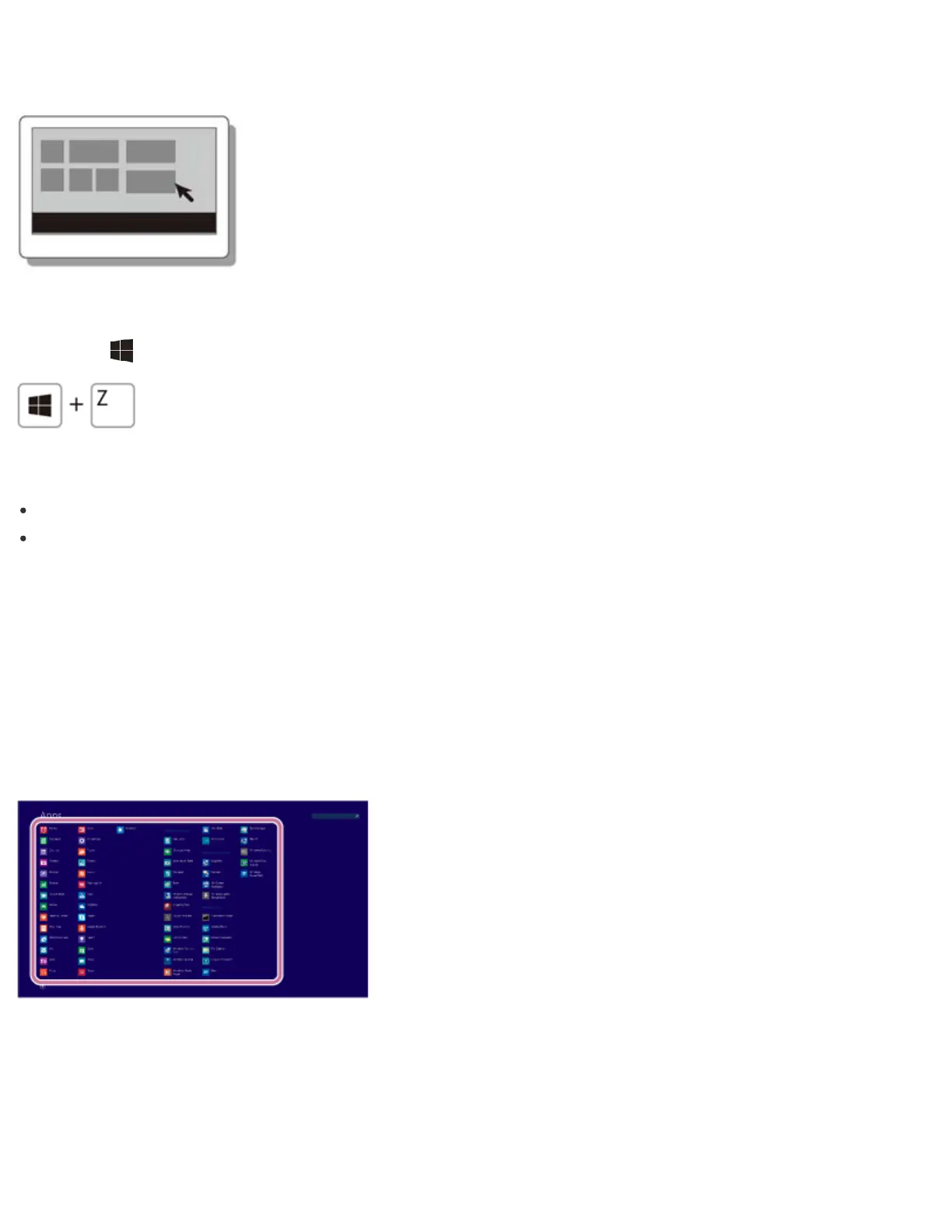
When an app is open, right-click anywhere on the screen. On a touch pad, click the bottom-
right corner.
Keyboard operation
Press the (Windows) key and the Z key at the same time.
Hint
Open the app menu when an app is displayed on the computer screen.
App commands vary depending on the app that is currently displayed on the computer
screen.
Opening Windows Help and Support
You can open Windows Help and Support by following these steps.
1. Open the Apps screen. (See Opening the App List to open the Apps screen.)
2. Select Help and Support.
Starting Help+Tips
You can start Help+Tips that explains the Windows 8 basic operations.
1. Open the Apps screen. (See Opening the App List to open the Apps screen.)






 To Next Page