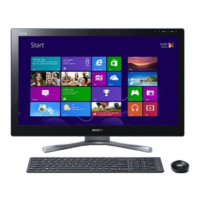
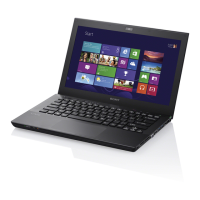
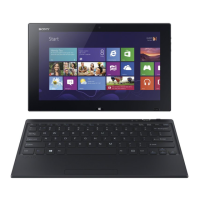
VAIO Digital Studio Computer Quick Start
14
To Set Up Your Computer
Your computer may not be equipped with the same hardware features shown in
this section. See the online specifications sheet for your system's configuration.
Connecting a display (monitor)
1 Plug the display cable into the Monitor port.
2 If necessary, plug the display cable into the rear of the display.
Connecting a display
✍ Install your equipment so that you can easily reach the power outlet in the event of an
emergency.


 To Next Page
 Loading...