STANDOUT FROM THE CROWD
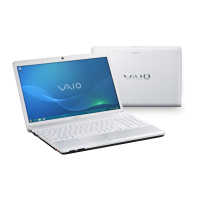
The VAIO
®
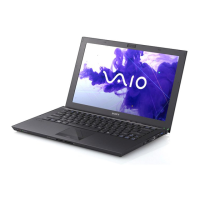
EE series 15.5” laptop is designed with inviting finishes and
subtle patterns that have a style all on its own.
HDMI
™ OUTPUT– TAKE IT TO THE BIG SCREEN
Whether you’re watching a stunning Blu
-
ray Disc™ movie or enjoying
video captured from your compatible camcorder, the VAIO
®
EE laptop lets
you connect to your compatible HDTV with an incredibly high level of
resolution. With an HDMI™ output, easily connect via a single cable (sold
separately) so you can enjoy HD entertainment on the big screen without
a myriad of extra cables and wires.
Performance and multimedia entertainment in an affordable 15.5
”
HD
widescreen notebook with an integrated number pad. An AMD Athon™
II
processorand a DVD drive gives you multitasking and amazing picture
quality all in a sleek, up
-
market design.

 Need help?





 To Next Page
 General