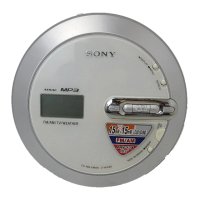
Getting Started
Checking the Supplied
Accessories
• AC power adaptor
(AC-ES3010K2) (1)
• External battery
case (1)
• Rechargeable
battery (1)
• Battery carrying
case (1)
• Headphones (1) • Remote control
(Remote) (1)
(For this CD player only)
• Operating instructions (1)
• AC plug adaptor (Supplied with tourist
model) (1)
Note
Use only the supplied remote. You cannot operate
this player with any other remote.
To connect your headphones to the remote
Connect the plug of your headphones to the
remote securely.
To use the clip of the remote
You can change the direction of the clip. Turn
the clip as shown below. You can also reverse
the direction of the track name, etc. (
page
25, 27).
8
D-NE730/NE730LS.GB.2-653-427-15(1)



 To Next Page
 Loading...