WALKMAN Help guide
Print
Search
Getting Started
How to Use the Software
How to Use the Speaker
Music
“SensMe™ Channels”
“Music Unlimited”
Videos/ Podcasts/ Photos
FM Radio
Making/ Playing Voice
Recordings
Noise Canceling
Timer
Games
Settings
Troubleshooting
Important Information
Specifications
Contents list
Top page > Getting Started > Initial Settings > Selecting the display language [Language
Settings]
Selecting the display language [Language Settings]
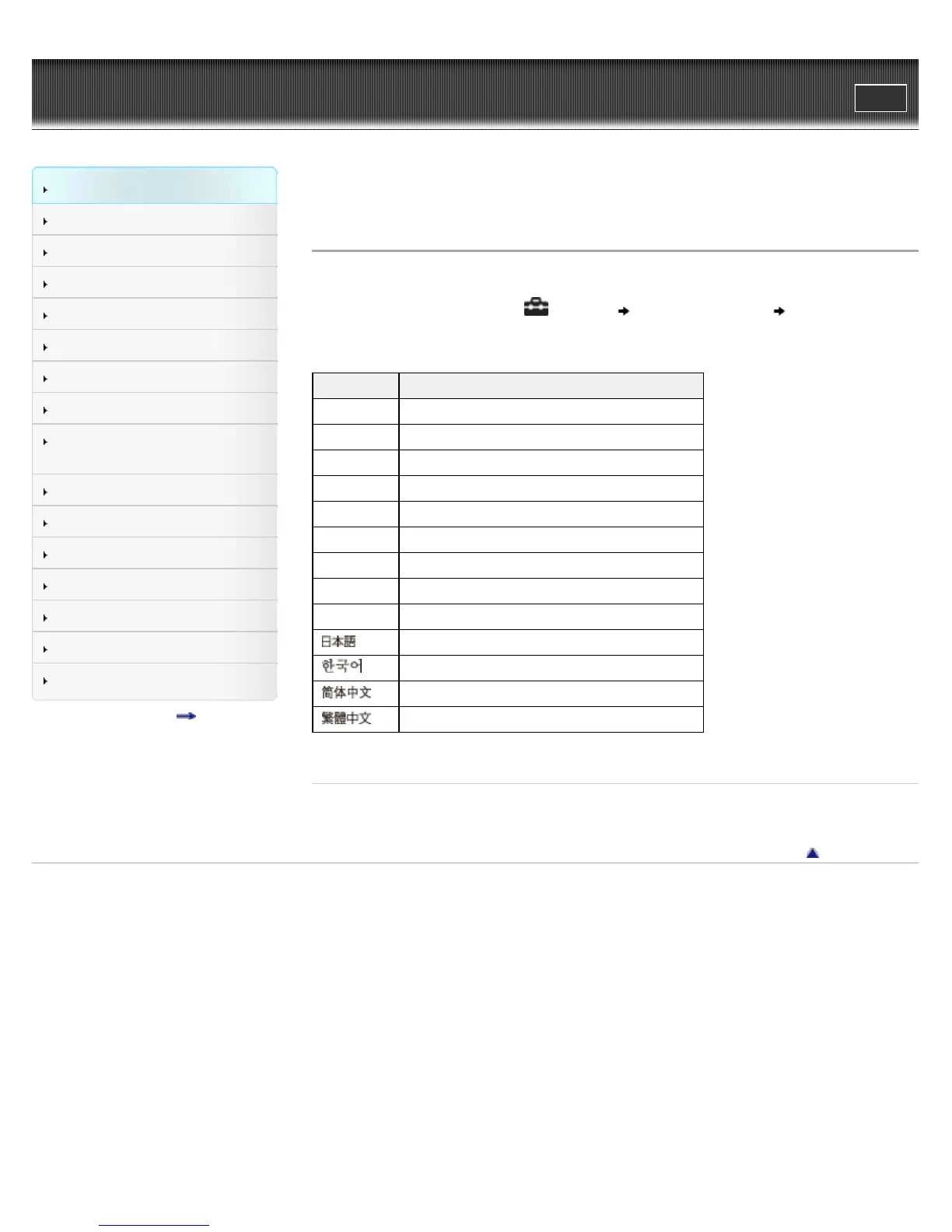
You can select from a variety of languages for menus and messages.
1. From the Home menu, select [Settings] [Language Settings] desired language
setting.
Language Messages and menus are displayed in
[Deutsch] German
[English] English
[Español] Spanish
[Français] French
[Italiano] Italian
[Polski] Polish
[Português] Portuguese
[Русский] Russian
[Türkçe] Turkish
[
] Japanese
[
] Korean
[
] Simplified Chinese
[
] Traditional Chinese
Related Topics
How to use the Home menu
Go to page top
Copyright 2012 Sony Corporation









 To Next Page