RESET button [Details]
Press the RESET button with a small pin, etc., to reset your Walkman.
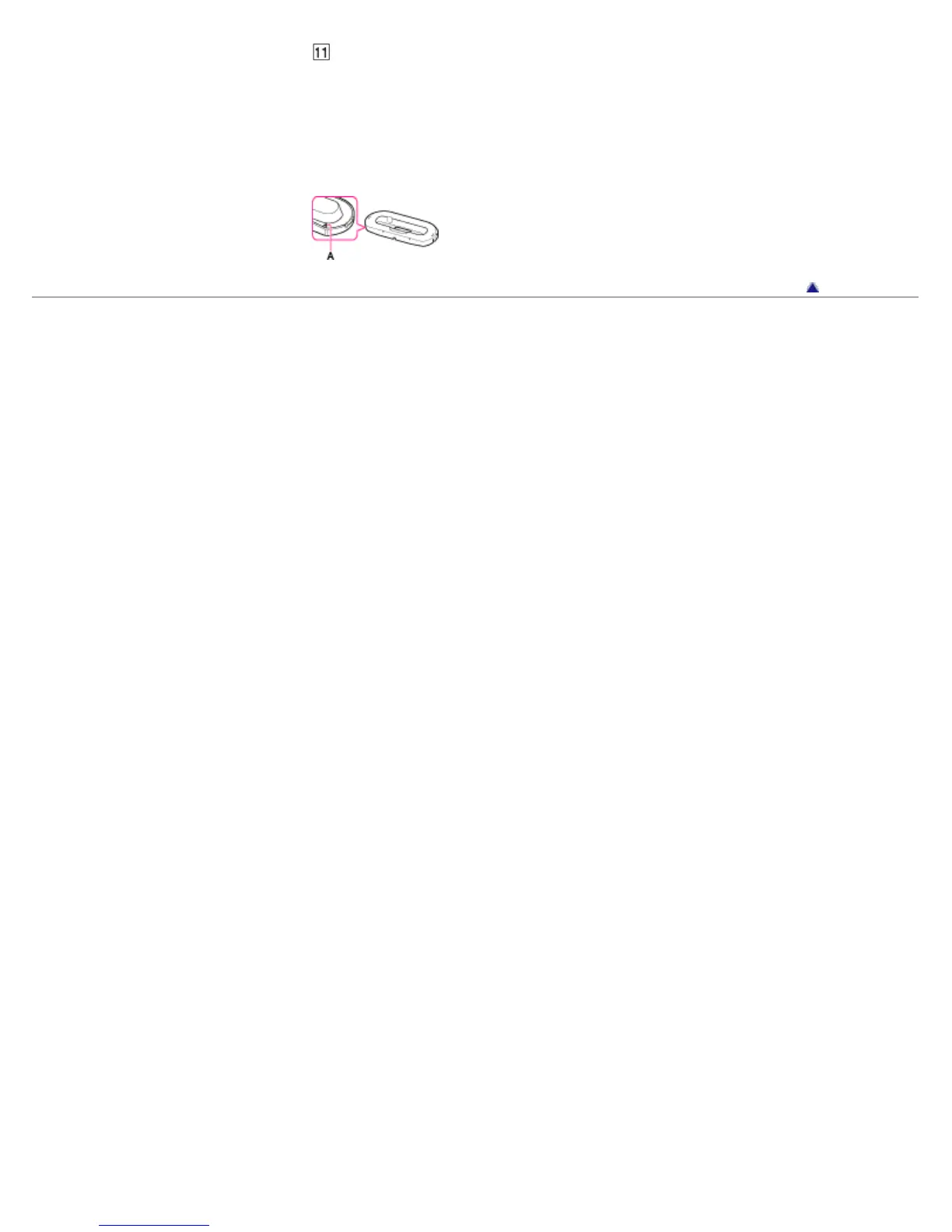
When installing your Walkman in a peripheral device such as a
cradle
An attachment may be necessary to install your Walkman in a peripheral device, such as a
cradle. Use the attachment (Type A) supplied with the device.
Go to page top
Copyright 2012 Sony Corporation









 To Next Page