Reduce unwanted ambient noise by active noise control technology. Select this icon to
enable or disable the Noise Canceling function.
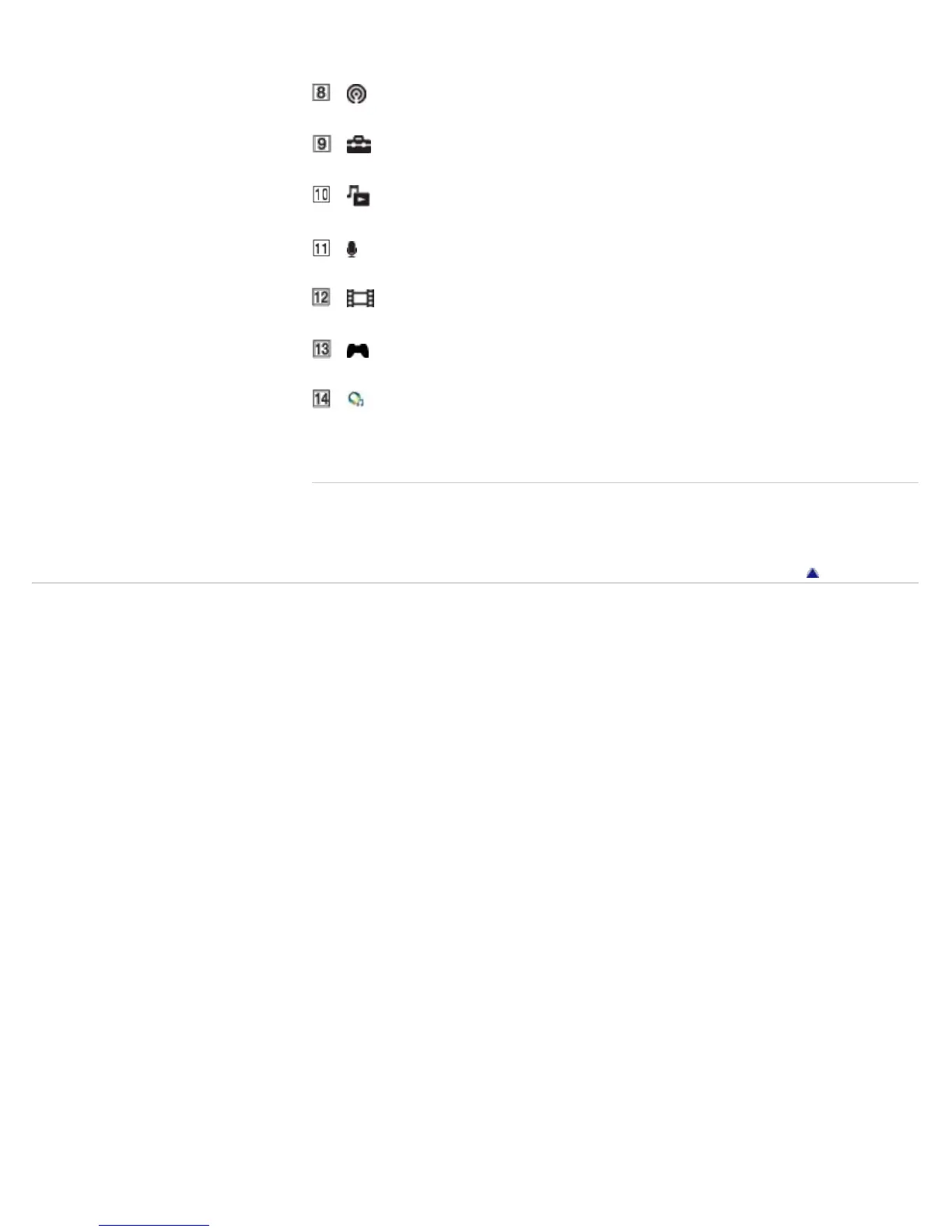
[Podcasts] [Details]
Play back podcast episodes transferred to your Walkman.
[Settings] [Details]
Set up your Walkman and its applications.
[Go to song playback screen]
Display the music playback screen.
[Voice Recording] [Details]
Record voice using the built-in microphone of your Walkman.
[Videos] [Details]
Watch videos transferred to your Walkman.
[Games] [Details]
Play casual games on your Walkman.
[Music Unlimited] [Details]
Play songs from the “Music Unlimited” online music subscription service. This icon may not
appear depending on the country/region in which you have purchased your Walkman.
Related Topics
How to use the Home menu
List of screen icons
Go to page top
Copyright 2012 Sony Corporation









 To Next Page