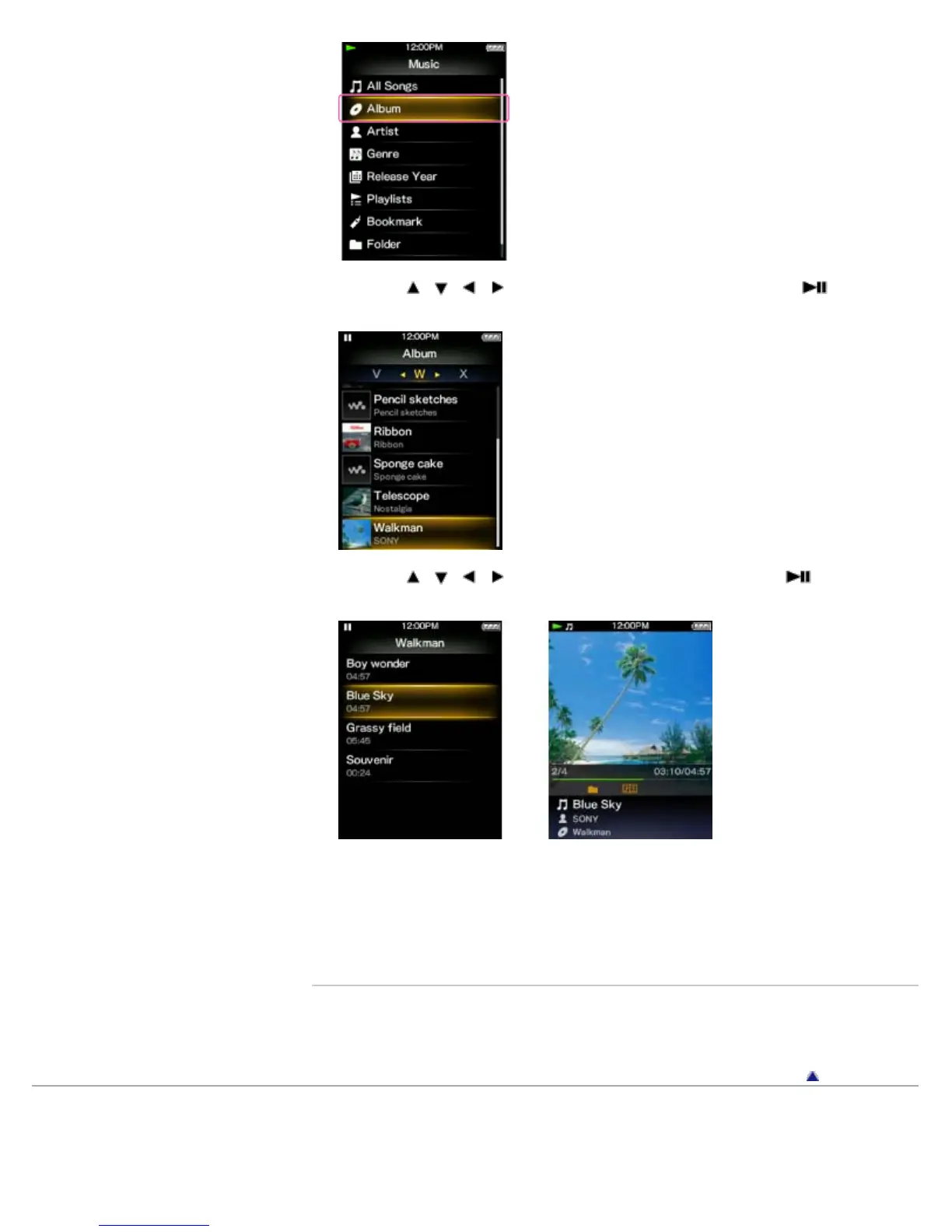
4. Press the / / / button to select an album, and then press the button to
confirm.
5. Press the / / / button to select a song, and then press the button to
confirm.
To return to the Home menu during operation
Press and hold the BACK/HOME button.
To return to the previous screen during operation
Press the BACK/HOME button.
Related Topics
How to use the option menu
About the Home menu
Go to page top
Copyright 2012 Sony Corporation









 To Next Page