6GB
E:\4699684111\4699684111WX920BTUC\01GB-WX-920BTUC\030CD.fm masterpage: Left
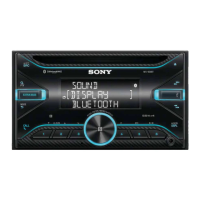
WX-920BT
4-699-684-11(1)
(repeat)
(Not available when a USB device in Android
mode is connected.)
(shuffle)
(Not available when a USB device in Android
mode is connected.)
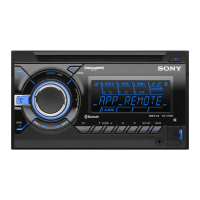
MIC (page 17)
(play/pause)
Control dial
Rotate to adjust the volume.
PUSH ENTER
Enter the selected item.
Press SRC, rotate then press to change the
source (timeout in 2 seconds).
MENU
Open the setup menu.
VOICE (page 17, 18, 18)
Press and hold for more than 2 seconds to
activate voice dial, voice recognition (Android
smartphone only), or the Siri function (iPhone
only).
N-Mark
Touch the control dial with Android smartphone
to make BLUETOOTH connection.
AUX input jack
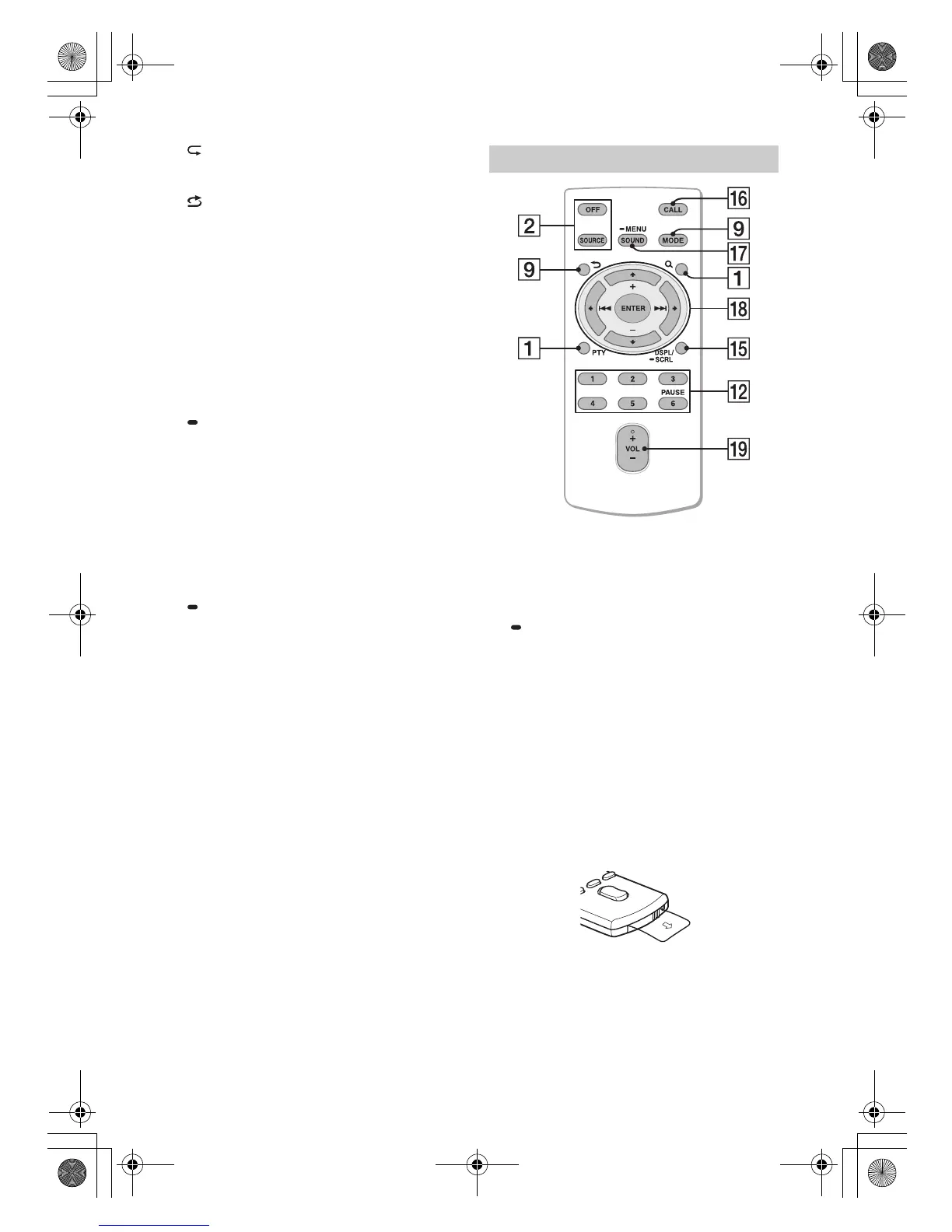
DSPL (display)
Press to change display items.
SCRL (scroll)
Press and hold to scroll a display item.
The VOL (volume) + button has a tactile dot.
CALL
Enter the call menu, Receive/end a call.
SOUND
Open the SOUND menu directly.
MENU
Press and hold to open the setup menu.
///
Select a setup item, etc.
ENTER
Enter the selected item.
Press and hold for more than 2 seconds to
establish or terminate the “Sony | Music Center”
function.
/ (prev/next)
+/– (album +/–)
VOL (volume) +/–
Remove the insulation film before use.
RM-X231 Remote commander
010COV.book Page 6 Wednesday, June 7, 2017 7:11 PM


 To Next Page