Troubleshooting guide
Why doesn't the touchscreen react to small finger movements? (Xperia
XZ2 series)
You might experience that the touchscreen does not react to touch when using narrow
movements or swipes.
This is improved in software build number:
51.1.A.4.265 or higher for Xperia XZ2 and Xperia XZ2 Compact.
52.0.A.3.126 or higher for Xperia XZ2 Premium.
Tip: To check your device's current software version, find and tap Settings > System > About
phone > Build number.
Tap or click for information about new software updates for Xperia XZ2, Xperia XZ2 Compact
or Xperia XZ2 Premium.
Note! Software updates are released at different times depending on the operator, market, region
or country. Therefore, we cannot give you an exact date for when a specific update will be
available for your device. In addition, network operators and specific markets may choose not to
use the updates for specific models.
Affected Xperia devices
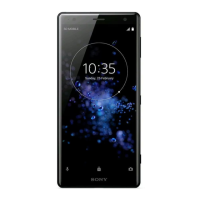
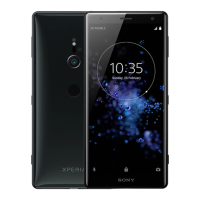
Xperia XZ2
Xperia XZ2 Compact
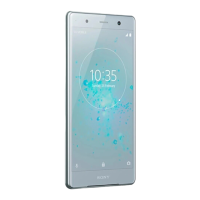
Xperia XZ2 Premium
Affected software versions
51.1.A.4.225 or lower (Xperia XZ2 and Xperia XZ2 Compact)
52.0.A.3.84 or lower (Xperia XZ2 Premium)

 Need help?
 General





 To Next Page