Help Guide
Wireless Speaker
SRS-XB100
Updating the pre-installed software
When a new version of the software is released, you can update your speaker’s pre-installed software by using the
following methods.
By updating the software, new features will be added enabling you to experience more convenient and stable use.
Connect the speaker to an AC outlet with a USB AC adaptor (commercially available).
Software updates cannot be applied while the speaker is running on power from the built-in battery.
1
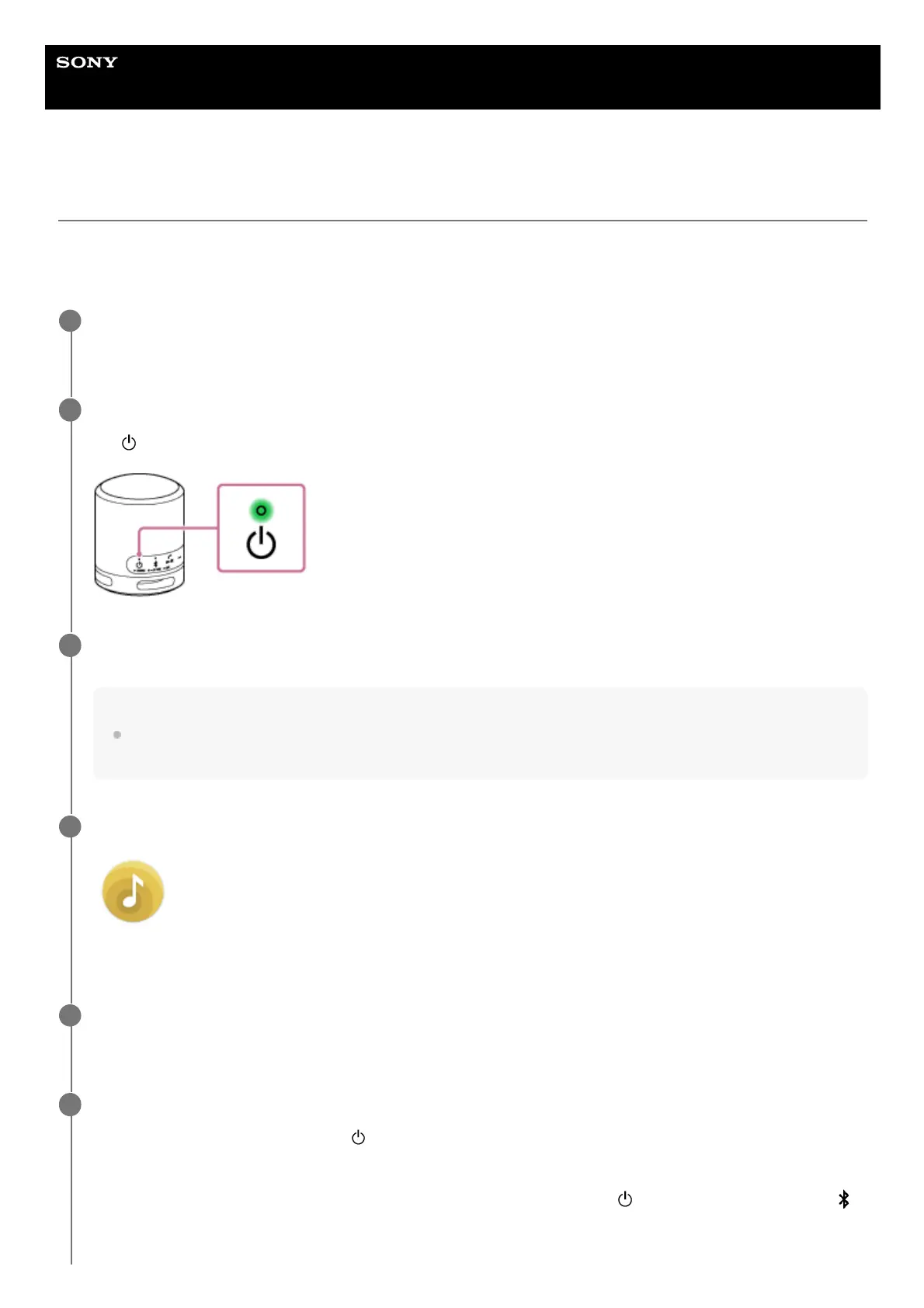
Turn on the speaker.
The
(power) indicator lights up in green.
2
When your device, such as a smartphone, does not have “Sony | Music Center” installed, download the
application from Google Play (Play Store) or the App Store and install it on the device.
Hint
“Sony | Music Center” is compatible with the Apple iOS devices with the iOS 11.0 or later version. It is not compatible with
the devices with the iOS 10.x or earlier version.
3
Tap [Music Center] on the device to start up the application.
Music Center
4
Tap [SRS-XB100].
When a new version of the software is released, an update notice is displayed on the “Sony | Music Center” screen.
5
Follow the instructions on the screen to update.
As a software update progresses, the
(power) indicator changes its green flashing pattern (5-time flashing, 4-
time flashing, 1-time flashing, unlit).
Depending on the situation, you may not be able to see all flashing patterns.
When the speaker turns on for the first time after a software update, the green
(power) indicator and the blue
(BLUETOOTH) indicator flash simultaneously 3 times to inform you that the update is complete.
6



 To Next Page