11
SETTING UP THE EXPLORER
STEP 1
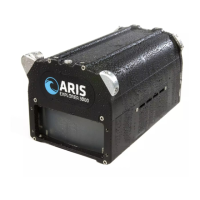
Attach the bronze nut of the ARIS Cable to
the ARIS Explorer, making sure to line up the key in the
cable with the keyway on the connector. Push in while
tightening the ARIS Cable.
STEP 2
Attach the stainless threaded end of the ARIS Cable to the
Command Module, making sure to line up the key in the
Command Module connector with the keyway on the cable
connector. Push in while tightening the nut on the Command
Module.
Note: To tighten or loosen the nut, turn the nut in the direction
indicated on the Command Module.



 To Next Page
 Loading...