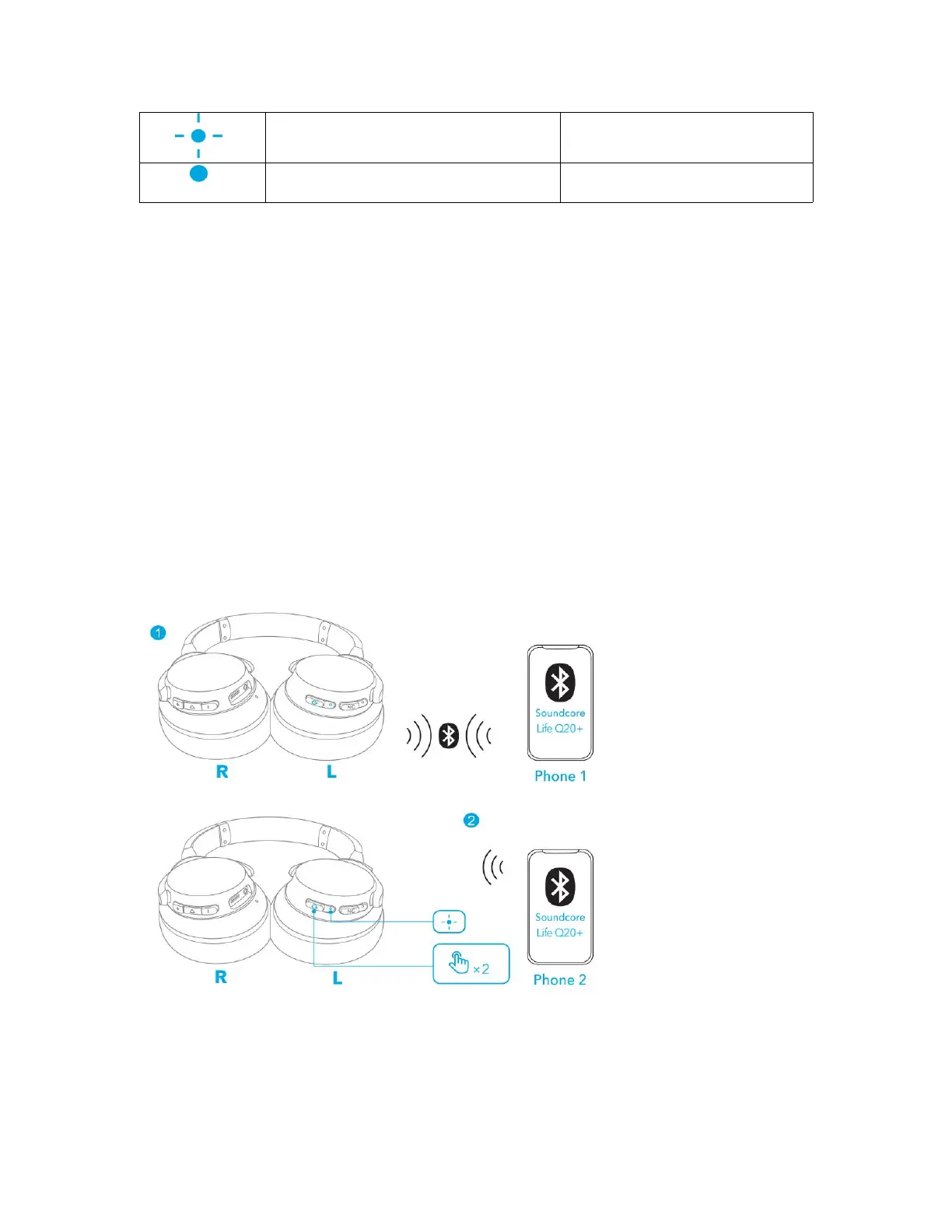
Steady blue (for 2 seconds)
• Each time you power on your Soundcore headphone, it will automatically
connect to your last successfully connected device if available within the
Bluetooth range.
• Once successfully connected with your Bluetooth device, ANC (active noise
cancellation) will be turned on.
Pairing with another device
Your Soundcore headphone can be connected to two devices at a time. There is
no need to switch the Bluetooth connection each time, and you can smoothly use
it to play music on your smartphone and attend web conference on your PC.
When successfully connected with the first device, press twice the power button
to pair up with another device.
• Your Soundcore headphone can only play music on one mobile device at a time.
To play from another connected device, pause the currently active device first.



 To Next Page