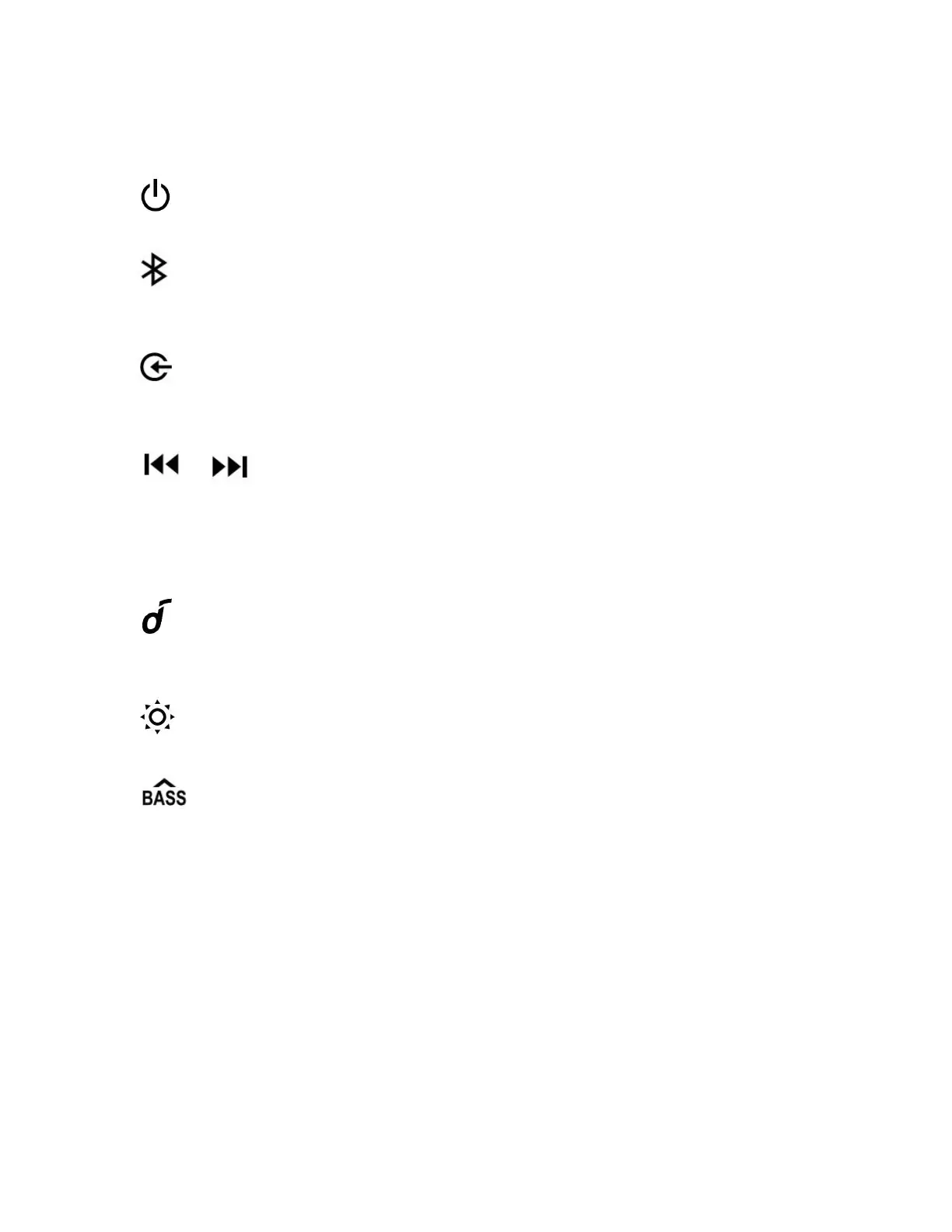
①
● Press and hold for 2 seconds to power on / off.
②
● Press to enter Bluetooth pairing mode.
● Press and hold to enter True Wireless Stereo (TWS) mode while pairing.
③ (Source input button)
● Press repeatedly to select source input.
● Press and hold for 2 seconds to enter Bluetooth pairing mode.
④ /
● Press to skip to previous / next track.
⑤ - / +
● Press to decrease / increase volume.
⑥ (Multi-function button)
● Press to play / pause music.
● Press to answer or end a call.
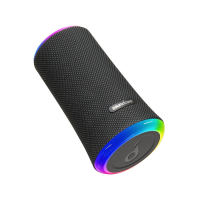
⑦ (Light effect button)
● Press to turn on / off and adjust the light mode.
⑧
● Press to turn on or off the BassUP mode.
● Press and hold for 2 seconds to switch between indoor / outdoor sound mode.










 To Next Page