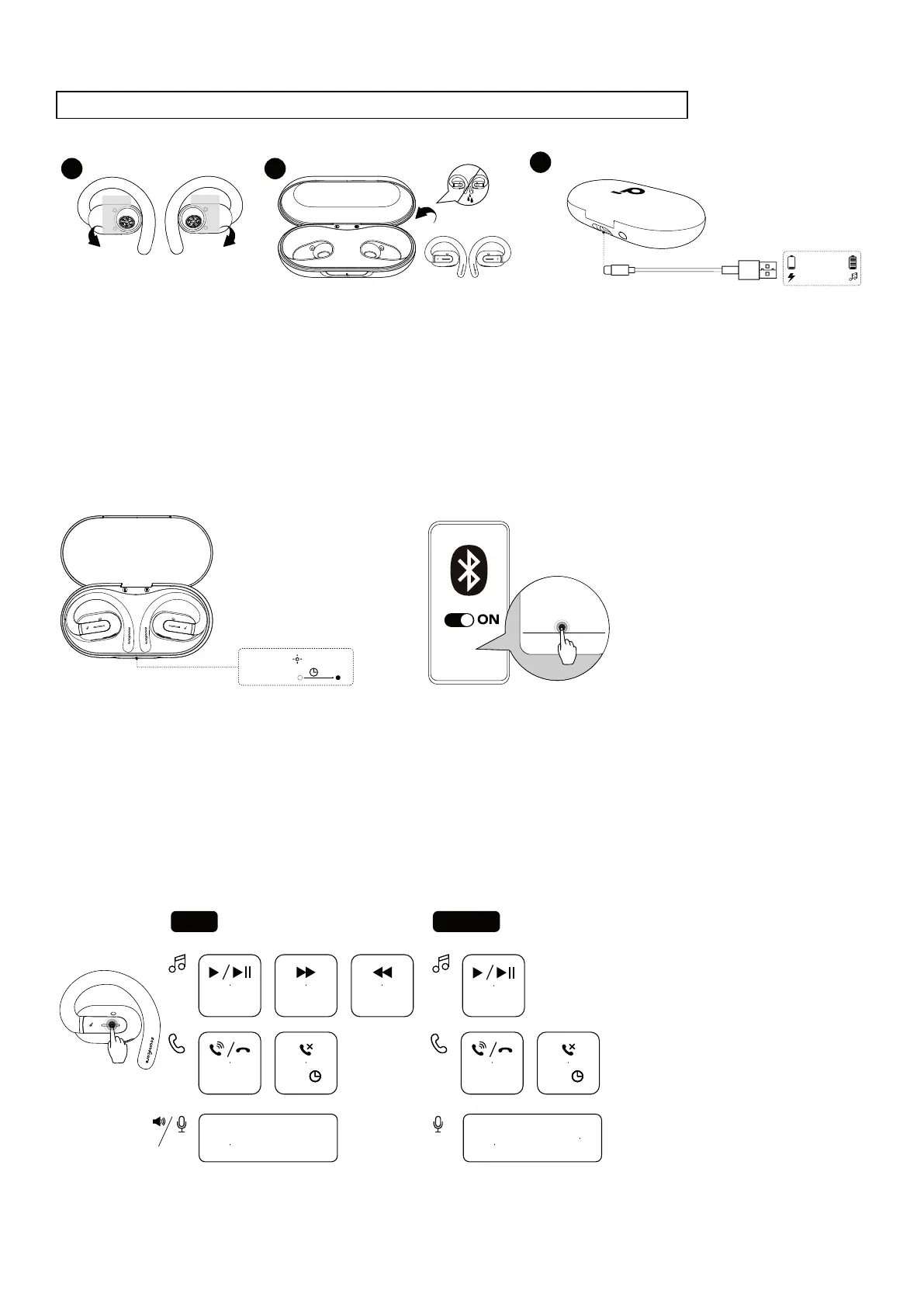
CHARGING
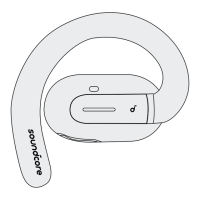
Remember to tear off the protective films on the earbuds before first use.
1 2
3
10 mins=3 hrs
2 hrs
Remove
Remove
1.Place the earbuds in the charging case and close it.
•Fully dry off the earbuds and the USB-C charging port before charging.
2. Connect the charging case to a power supply by using a certified USB-C charging cable.
Low Battery Indication
Earbuds: You will hear a voice prompt of battery running low.
Charging case: The LED indicator will light up in red for 3 seconds and then go off.
POWERING ON & PAIRING
soundcore V30i
PAIRING
CONNECTED
3s
soundcore V30i
Open the charging case, the earbuds will automatically power on and enter Bluetooth pairing mode. Select
"soundcore V30i" on your device's Bluetooth list to connect. When pairing, the LED indicator on the charging case
will start flashing. After the pairing is successful, the LED indicator on the charging case will stay on for 3 seconds
and then go off.
Once connected successfully, they'll automatically reconnect to your device every time you open the charging case,
as long as you haven't deleted the pairing history from your device.
TOUCH CONTROLS
TWS
R
×2
MONO
×2
L/R
×2
L/R
2s
L/R
×2
L/R
2s
L
×2
Customize
in App
* Enable in App
Voice
Assistant
Voice
Assistant
* Enable in App


 To Next Page