Bluetooth music sharing
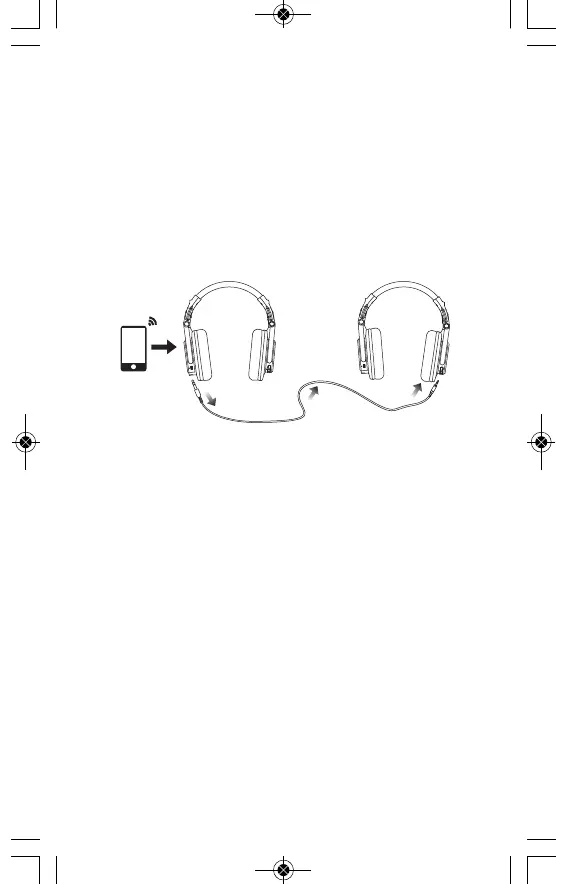
Pair your device via Bluetooth and share your tunes
through the dual-duty cable! Simply make one of the
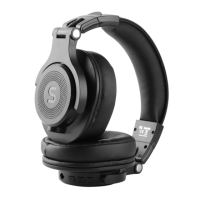
Soundeus Fidelity A50
headphones enter into pairing
mode. Connect the main headphones with 6.3 mm jack,
and use the other end 3.5 mm jack to connect another
Soundeus Fidelity A50
headphones. Then you can share
your favorite music and videos with your friends.
Pairing awireless device
Keep the headphones and the mobile phone/music
player within Imeter of each other when pairing. Enter
pairing mode directly after turning on the headphones.
Turn your iOS, Android or Windows device’s Bluetooth on
and select „
Soundeus Fidelity A50
“ from the list of found
devices.
Playing music
1. Adjusting the volume: Short press „+” for volume up or
„-” for volume down. The volume is completely syn-
chronized with iPhone and most Android devices.
2. Music Selection: Long press „+“ for next track or „-“ for
previous track
3. Play/Pause: Press (don’t hold) Play/Pause 2 to switch
between play and pause status.


 To Next Page
 Loading...