CD9180 / English manual
ENG 4
Various Playing Modes
MODE BUTTON — There are 3 kinds of function: ( FOR CD ) :
A. Repeat Play
During Play Mode
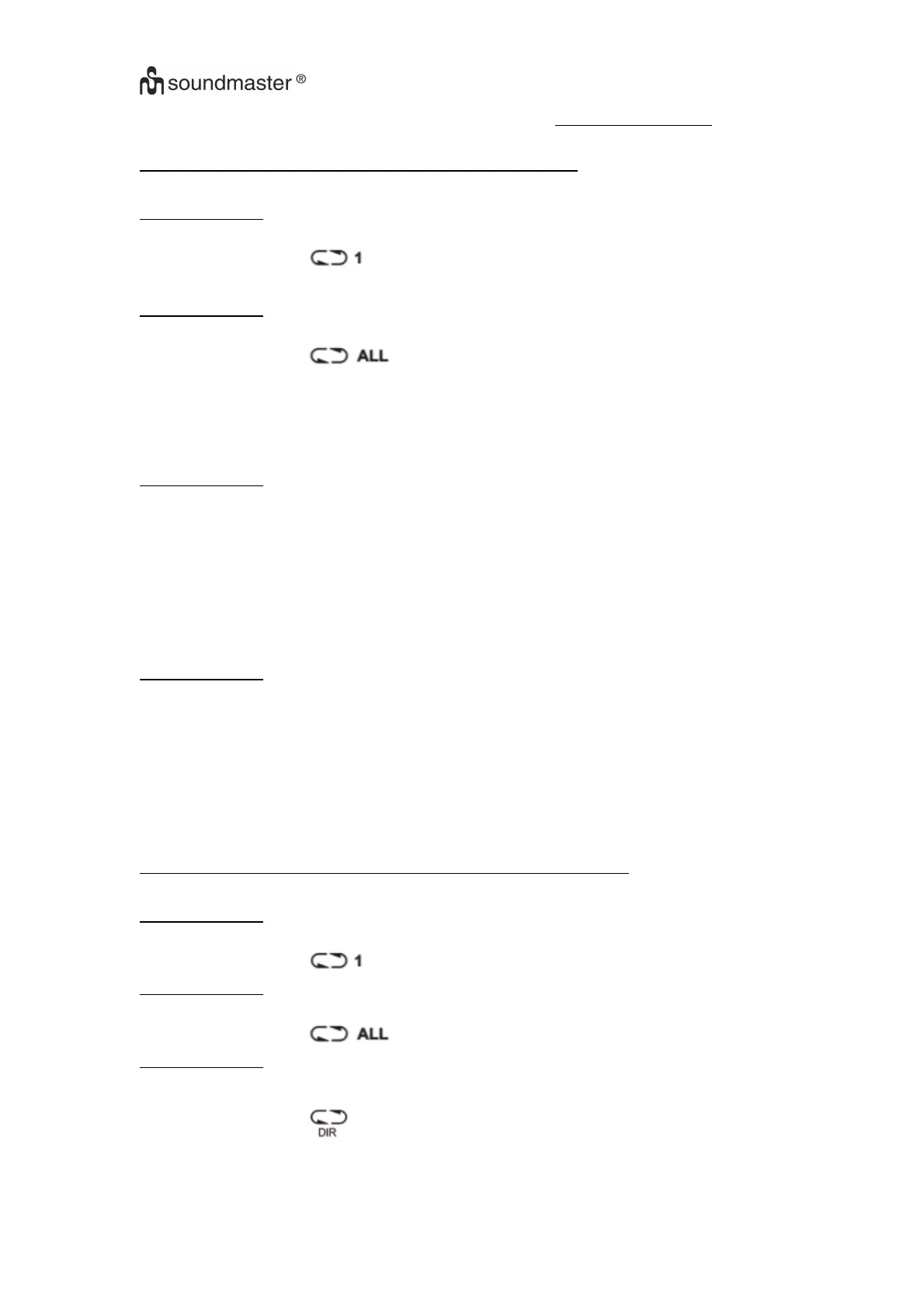
· Press the MODE BUTTON once to play current track repeatedly.
· The repeat indicator will appear in the display.
During Play Mode
· Press the MODE BUTTON twice to play the entire disc repeatedly.
· The repeat indicator will appear in the display.
NOTE –
––
– To cancel REPEAT PLAY simply press the MODE BUTTON until the repeat
Indicator disappears.
B. Intro Scan,
During Play Mode
· Press the MODE BUTTON three times.
· The INT indicator will appear in the display.
· Press the PLAY BUTTON to play the first 10 seconds of each track on the disc.
NOTE –
––
– To cancel INTRO SCAN, simply press the MODE BUTTON until the INT indicator
disappears.
C. Random Play
During Play Mode
· Press the MODE BUTTON four times.
· The SHUF indicator will appear in the display.
· Press the PLAY BUTTON, all the tracks on the disc will be played in random sequence.
After all the tracks have been played, the system will stop automatically.
NOTE –
––
– To cancel RANDOM PLAY, simply press the MODE BUTTON until the SHUF
indicator disappears.
MODE BUTTON — There are 3 kinds of function: ( FOR MP3 DISC ) :
A. Repeat Play
During Play Mode
· Press the MODE BUTTON once to play current track repeatedly.
· The repeat indicator will appear in the display.
During Play Mode
· Press the MODE BUTTON twice to play the ENTIRE DISC repeatedly.
· The repeat indicator will appear in the display.
During Play Mode
· Press the MODE BUTTON three times to play the current DIRECTORY repeatedly.
will appear in the display. · The repeat indicator
REPEAT PLAY, simply press the MODE button until the NOTE –
––
– To cancel
repeat indicator disappears.


 To Next Page