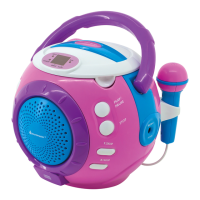
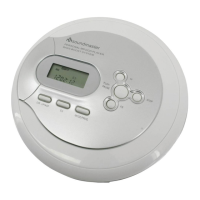
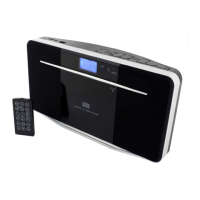
RCD1180 / English Instruction Manual
3
Repeat Mode
Repeat 1: Press the REPEAT button once, the REPEAT 1 indicator will show on the LCD
display. This single track will be repeated.
Repeat All: Press the REPEAT button twice, the REPEAT ALL indicator will show on LCD
display. The whole disc will be played continuously.
To Cancel Repeat Function: Press the REPEAT button until indicator turned off.
CD resume function
RESUME – continuing from where you have stopped
1. Set the FUNCTION switch to RESUME position.
2. To start playing the CD, press the button.
3. Press STOP in once whenever you want to stop playback.
4. Press to resume playback.
5. Playback continues from where you have stopped.
To deactivate RESUME, set the function switch to “CD”, “FM” or “OFF”.
Note:
Opening the CD door during playback, RESUME function is also activated.
Important Note
Automatic standby switching
To comply with the ERP2 directive, the unit automatically switches to standby after approximately
10 minutes without a signal. To switch the unit on again, press the button on the unit.
If the button is pressed continuously for 5 seconds, the unit switches to standby mode. To
switch the unit on again, press the button on the unit.
TECHNICAL SPECIFICATION
IMPORTER
Wörlein GmbH Tel.: +49 9103 71 67 0
Gewerbestrasse 12 Fax.: +49 9103 71 67 12
D 90556 Cadolzburg Email: service@woerlein.com
Germany Web: www.woerlein.com
Technische Änderungen und Druckfehler vorbehalten
Copyright by Woerlein GmbH, 90556 Cadolzburg, www.woerlein.com
Vervielfältigung nur mit ausdrücklicher Genehmigung der Woerlein GmbH



 To Next Page