
 Need help?
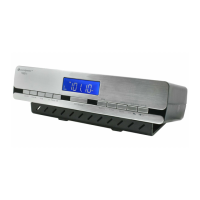
Do you have a question about the SOUNDMASTER UR2006 and is the answer not in the manual?
Warning symbol indicates dangerous voltage inside the enclosure, sufficient enough to cause electric shock.
Symbol indicates the presence of important operating and maintenance instructions for the device.
Provides essential safety, environmental, and setup guidelines for proper device usage and care.
Explains the default settings upon powering up and the device's auto-run mode, including RCC signal reception.
Guides through setting the clock, date, dimmer, SDA, and clock format within the auto-run mode.
Detailed steps for manually setting the current time and date, including fast adjustment modes.
Step-by-step instructions for setting two independent alarms, including time, type, and output format.
 General
| Brand | SOUNDMASTER |
|---|---|
| Model | UR2006 |
| Category | Radio |
| Language | English |










 To Next Page