5 2
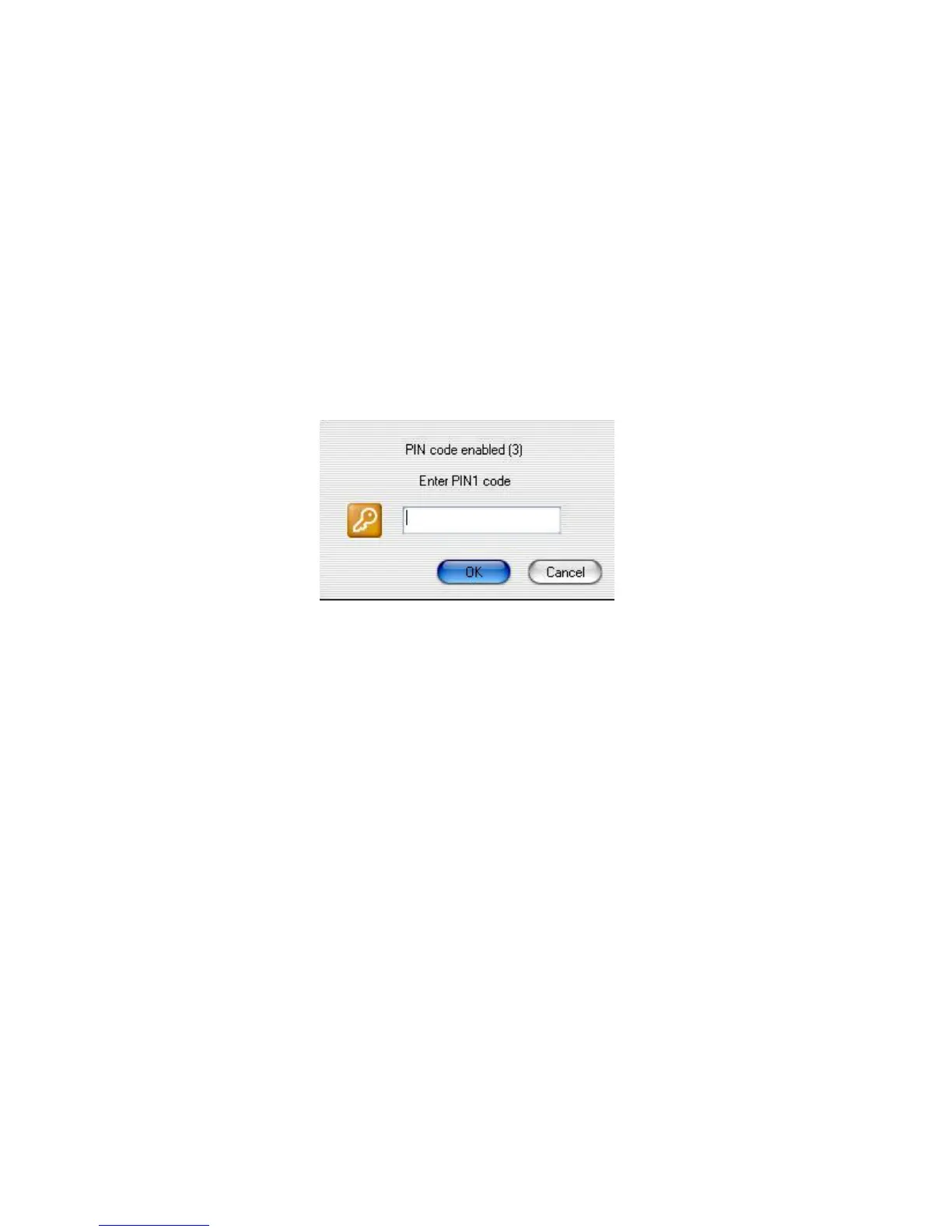
Click on the button “Si” and introduce your PIN number.
Once introduced correctly your PIN number, you can start to enjoy “SIM
Editor” to edit your data, SMS and make backup of your agenda with the
useful and intuitive menu of this program.
http://www.dnielectronico.es/descargas/win_comp_vista.html
Deberás reiniciar el PC para finalizar la instalación.



 To Next Page