38
In the next Window choose: “USB Composite Device” and
click on “Next”. As the final step, it shows “Windows has
successfully updated your driver software” and click on
“Close”.
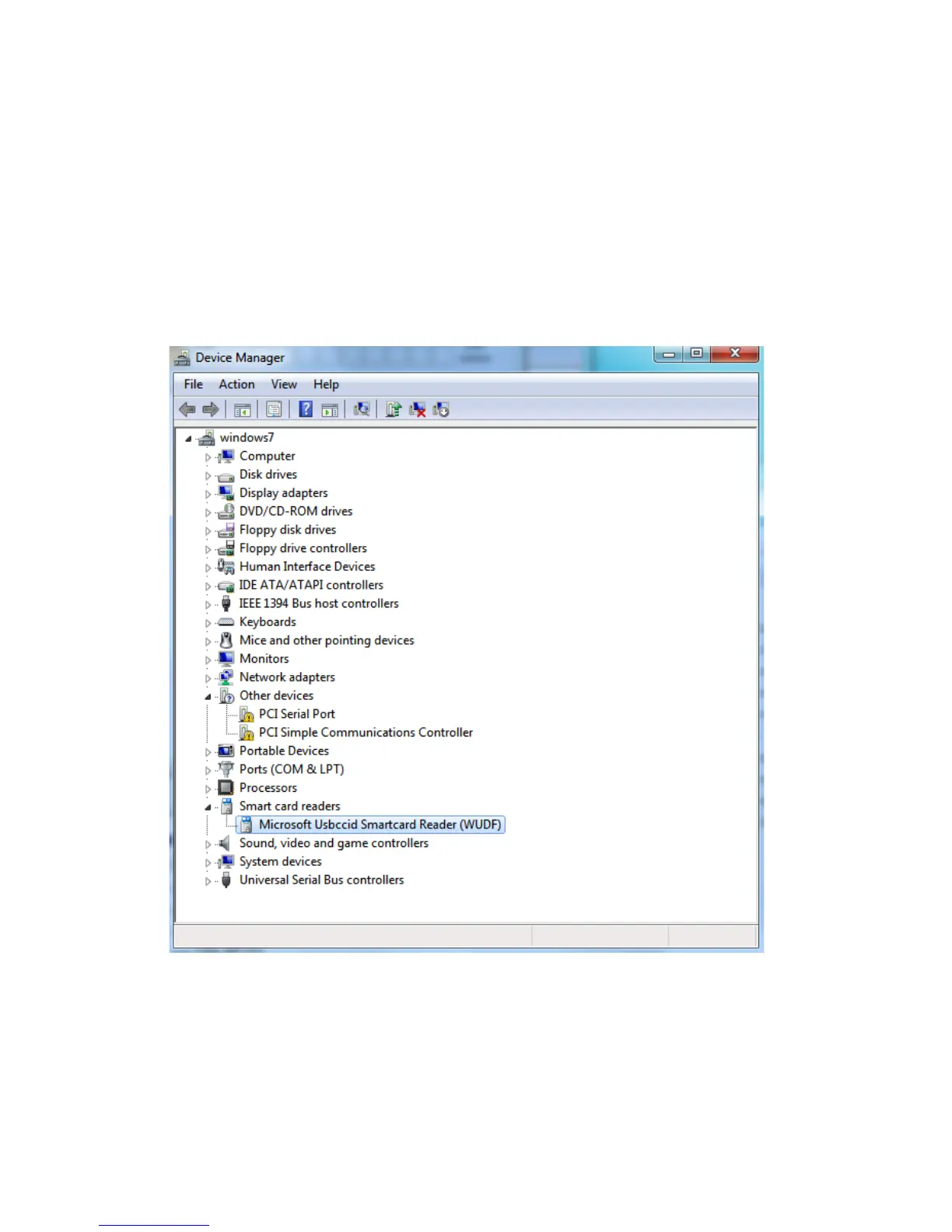
After this process, go back to Device manager, our card
reader already appears as “Microsoft Usbccid Smartcard
Reader”
5.1.2. SIM Editor:
With “SIM Editor” program, you can read and edit data of
your SIM card of mobile phone comfortably from any PC
(for editing agenda, SMS and make backup of agenda).


 To Next Page