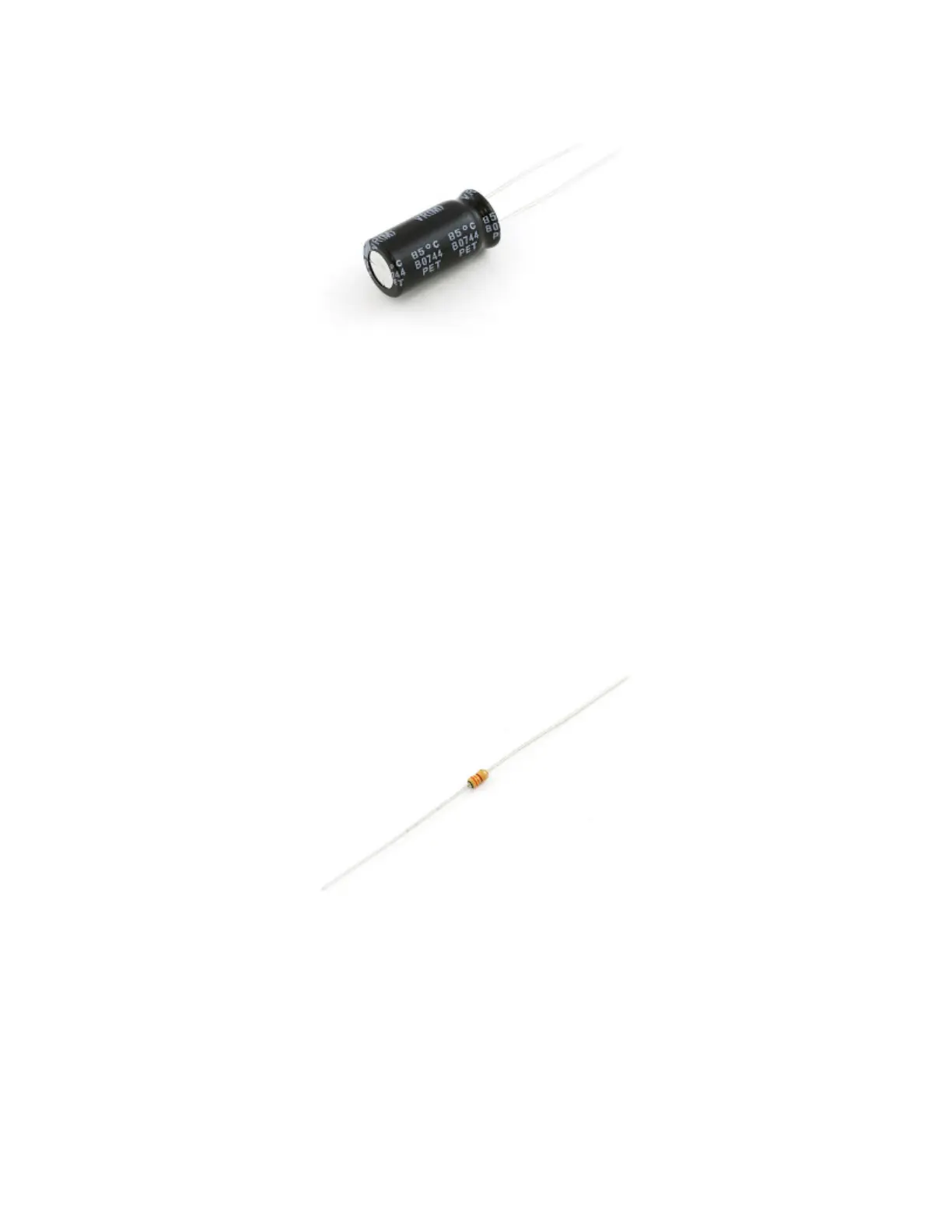
This cap will help to smooth out your power supply. The current draw of a WS2812 can vary wildly, and as current
draw grows and shrinks it'll be up to your power source to compensate. The cap will act as a "power reservoir" to
store energy in case the supply dips.
Try to place this cap as close to your WS2812 as possible by placing it in parallel to the Vcc and GND pins.
Add an In-Line Resistor On the Data Signal
Placing a small-ish resistor between your Arduino's data output and the WS2812's data input will help protect the
data pin. A resistor between 220 and 470 Ω should do nicely.
A 330Ω resistor that could be used between the Arduino's I/O pin and the WS2812's data input pin.
Try to place the resistor as close to the WS2812 as possible.
Keep Wires Short!
Wires don't conduct perfectly. They'll inevitably induce some voltage loss, especially when they're really long. Try
to keep wires between your power supply, Arduino, and WS2812 as short as possible to minimize this loss.
Power Large Loads and Daisy Chained LED Strips


 To Next Page
 Loading...