https://learn.sparkfun.com/tutorials/esp8266-thing-development-board-hookup-guide/all 10/24
Hit OK. Then navigate to the Board Manager by going to Tools > Boards > Boards Manager. Look for esp8266. Click on that
entry, then select Install.
The board definitions and tools for the ESP8266 include a whole new set of gcc, g++, and other reasonably large, compiled binaries,
so it may take a few minutes to download and install (the archived file is ~110MB). Once the installation has completed, an Arduino-
blue “INSTALLED” will appear next to the entry.
Selecting the ESP8266 Thing Board
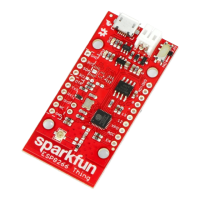
With the Board addon installed, all that’s left to do is select “SparkFun ESP8266 Thing” from the Tools > Boards menu.


 To Next Page
 Loading...