CH340 is on COM6 as shown in Device Manager
If the COM port is not showing be sure the unit is turned On. If an unknown device is appearing, you’ll need to
install drivers for the CH340. Once you know the COM port, open a command prompt (Windows button + r then
type ‘cmd’).
Navigate to the directory that contains the firmware file and esptool.exe. Run the following command:
esptool.exe --chip esp32 --port COM6 --baud 921600 --before default_reset --after hard_reset wri
te_flash -z --flash_mode dio --flash_freq 80m --flash_size detect 0 RTK_Surveyor_Firmware_v13_co
mbined.bin
Note: You will need to modify COM6 to match the serial port that RTK Surveyor enumerates at.
Programming via the esptool CLI
Upon completion, your RTK Surveyor will have the latest and greatest features!
Creating Custom Firmware
The RTK Surveyor is an ESP32 and high-precision GNSS hackers’s delight. Writing custom firmware can be done
using Arduino.
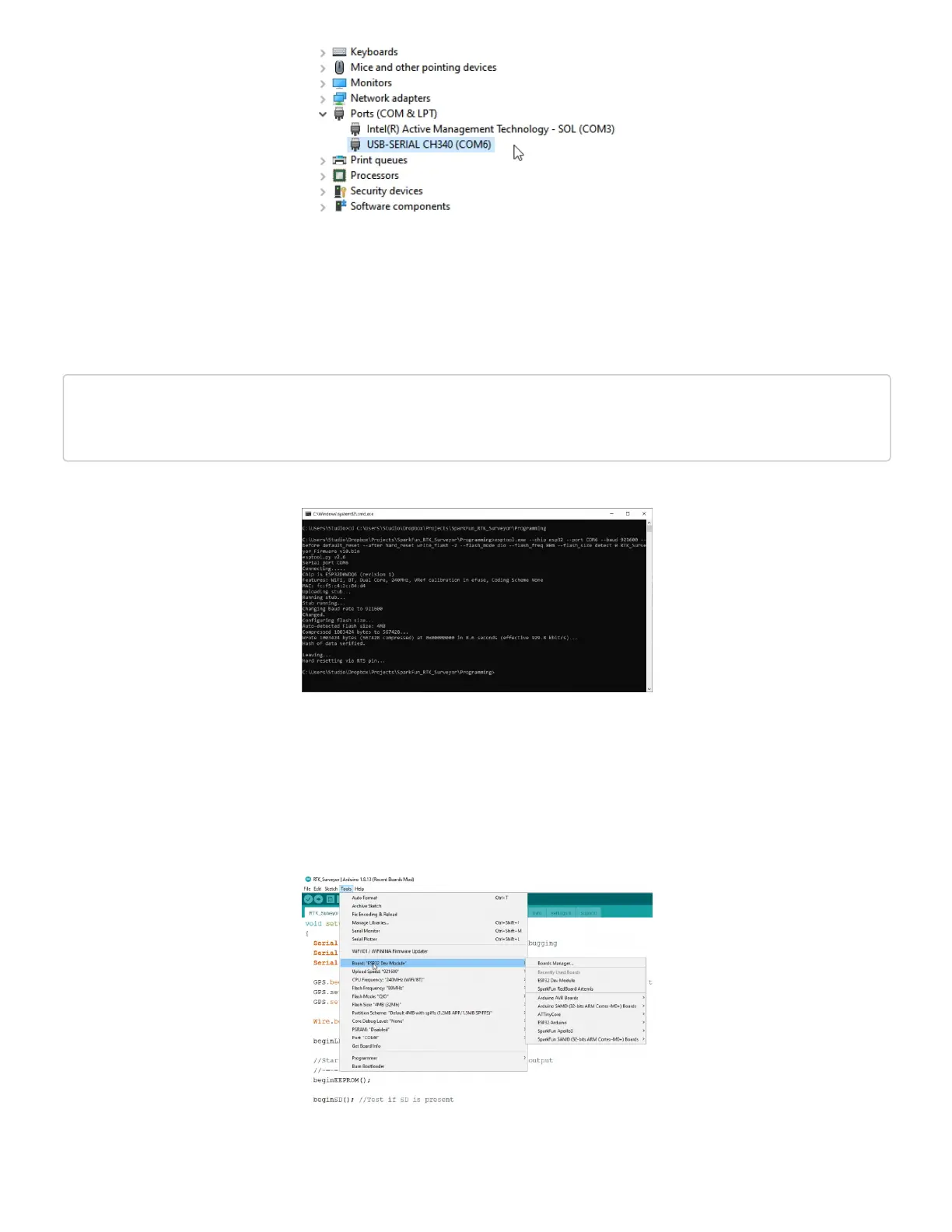
Selecting ESP32 Dev Module


 To Next Page
 Loading...