POINT CTRL
VIRTUAL REALITY CONTROL DEVICE
SPEC TECH DESIGN MANUFACTURING AND TRAINING
CALIBRATION OVERVIEW
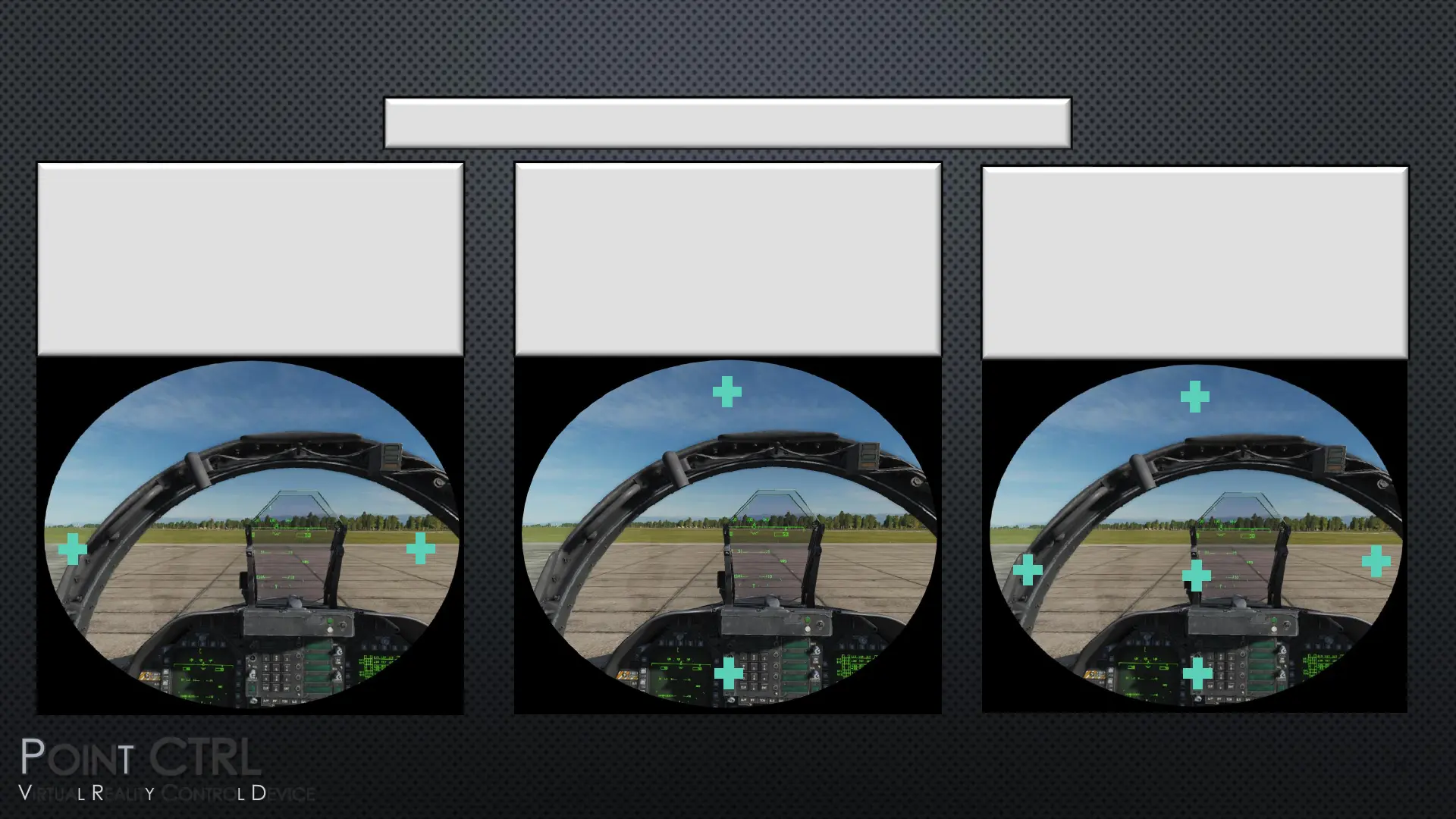
Define the Left and Right Visible Cursor
Limits of Your V/R Head Set
Each V/R Head has different
resolutions and field of view. We must
first define the Left and Right cursor
limits in V/R using the FCUs.
1
Calibrate FCU to Each Defined Limit
Next we point at and click each of the
5 sequentially presented cursor targets.
After the last Target, PointCTRL is
operational and the settings are saved.
Note: You will only see the stationary
cursor targets, not any moving cursors.
1
3
2
4
This page is only an overview, detailed instructions follow.
17
Define the Upper and Lower Visible
Cursor Limits of Your V/R Head Set
This step is not usually required. It is only
necessary for desktops that are
extended vertically by multiple
monitors or a V/R Headset reporting as
two monitors.
5


 To Next Page
 Loading...