POINT CTRL
VIRTUAL REALITY CONTROL DEVICE
SPEC TECH DESIGN MANUFACTURING AND TRAINING
HMS (HEAD MOUNTED SENSOR)
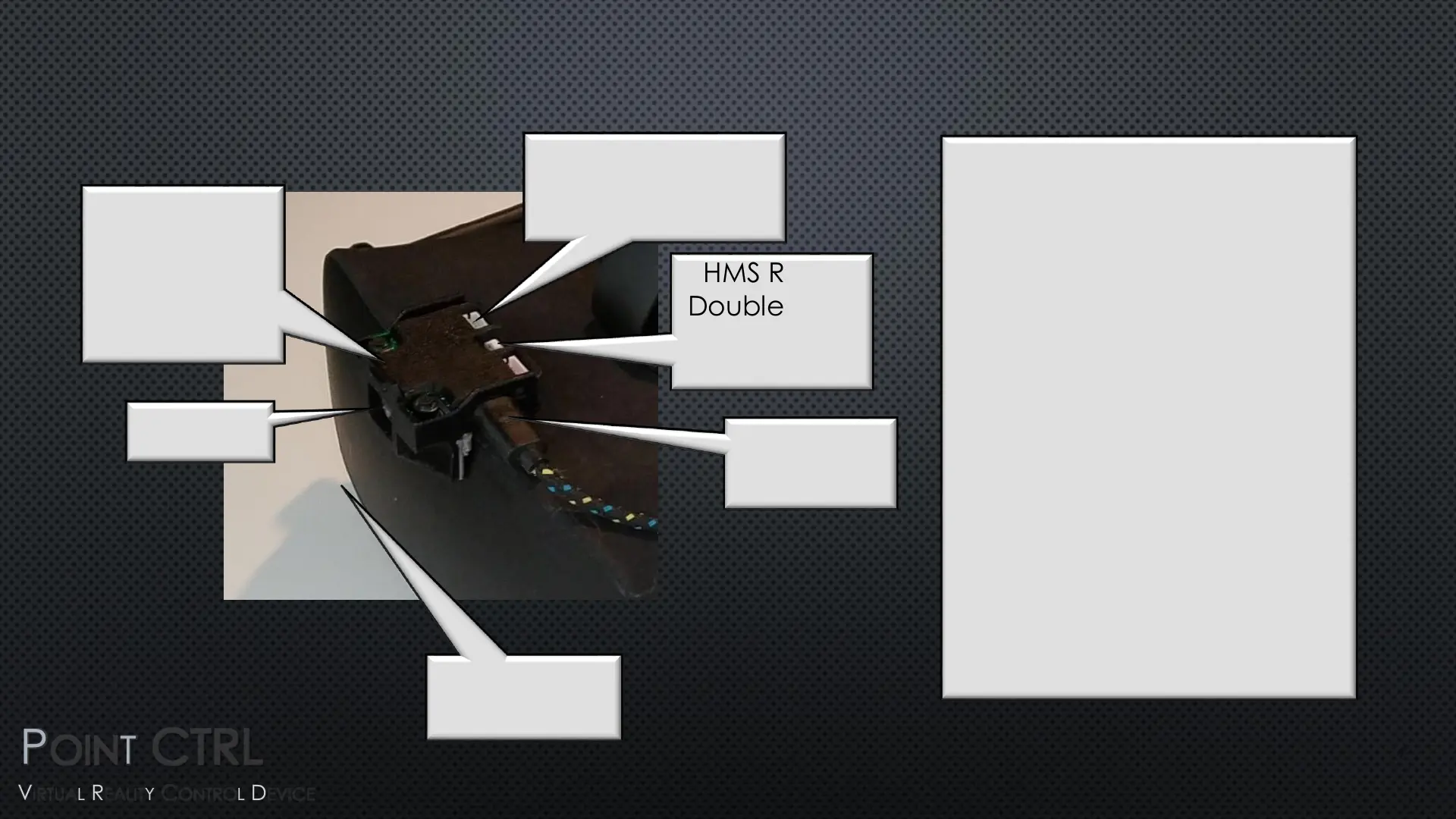
IR Sensor
BTN Right
Hold to Enter
User Settings
and
Calibration
Factory Reset
The HMS can be reset to
factory settings. Press and
hold both of the black
buttons on the HMS while
pressing and releasing the
white reset button. After
successful reset the cursor will
move from the left edge of
the field of view to the right
edge as confirmation.
Factory Calibration is for Rift S
, Full Screen, Stretched view,
but it will serv as a good
starting reference for all other
V/R Headsets.
HMS Reset
Double Press
for Firmware
Update
Micro USB
Connector
Auxiliary V/R HMD
Push-Button
Headers
BTN Left
Disables FCU
7


 To Next Page
 Loading...