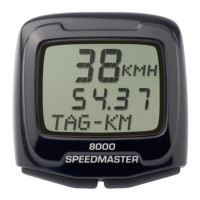
.
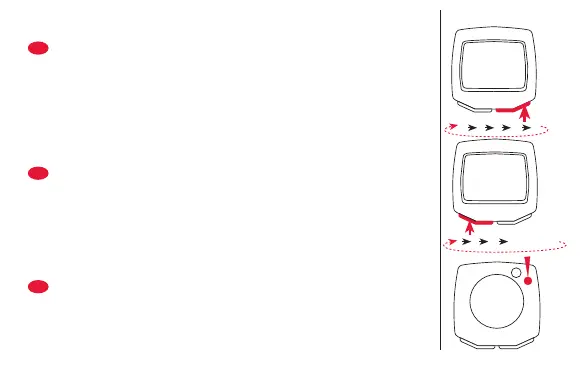
• Premere MODE fino a quando appare DISTOT
(distanza totale).
• Premere SET sul retro per 3 sec.con un attrezzo
appuntito.
• Inserire numeri con RESET.
• Confer. con MODE e passare alla prossima posizione.
• Inserire il prossimo numero con RESET fermarsi con
SET.
• Pulsar MODE hasta que KM-TOTAL (distancia total
recorrida) aparezca.
• Pulsar SET al dorso del computador con un útil de
punta durante 3 segundos.
• Entre las cifras con RESET.
• Confirmar con MODE y pasar a la posición siguiente.
• Entre las cifras siguientes con RESET y confir. con SET.
• MODE indrukken tot (TOT-AFST) verschijnt
• Achterzijde: SET 3 sec indrukken
• Met RESET cijfers instellen
• Met MODE bevestigen en volgende positie instellen.
• Na het laatste cijfer met RESET bevestigen.
SET
230 0 1
123…6 … 0
Dist totale · Distanza total · Totaal afstand
KMH
SETODO
1
0
032
I
E
NL
KMH
SETODO
1
6
032
S


 To Next Page
 Loading...