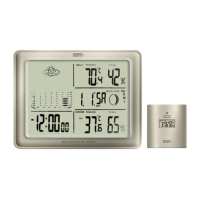
• Press + or – to set your clock to 12 hr or 24 hr time format
• Press MODE and the temperature field will be flashing
• Press + or – to select °F or °C format
• Press MODE to lock in the settings
Note: If you set the time and date after initial activation, the accuracy of the rainfall history data may be affected.
Reset the unit to clear the history by pressing the RESET button then set your desired time and date.
• Press the RE-SYNC button.
• Position the Rain Collector/Remote Sensor close to the base unit.
Battery installation of Rain collector
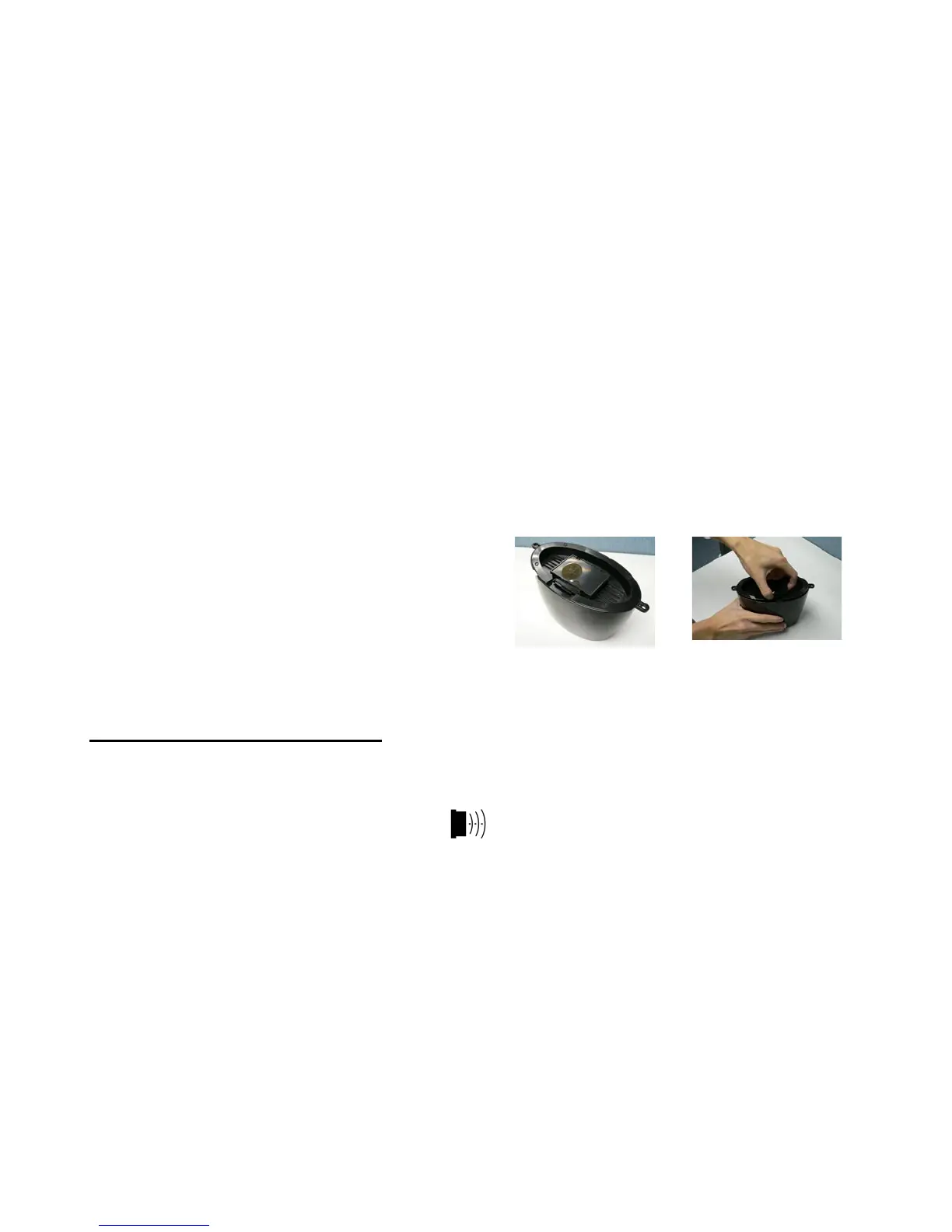
• See photos below. Press the hook and open the rain collector unit outer case and remove the inner cover to
access the RESET/RE-SYNC buttons. (Diagram 2)
• Using a coin, unscrew the battery door at the bottom of the rain collector and insert (2) AA batteries
according to the polarity markings.
• Press the RESET button.
• Replace the battery door. Make sure the door is closed securely to prevent water leakage.
• Remove the tape from the pendulum inside to allow it to move freely.
• Close the outer case.
• When the OUT temperature is shown on the display of the base unit, synchronization between the base unit
and the remote sensor is complete.
POWER UP SYNCHRONIZATION
The base unit will search for the RF signal from the rain collector for 6 minutes after reset or after batteries are
inserted. When the temperature display on the main unit shows the OUT temperature, synchronization between
the base unit and remote unit is complete.
The top, left of the base unit display will show the icon to indicate signal transmission. If the O U T
temperature does not show on the display within 6 minutes after reset, press the RE-SYNC button and the main
unit will search for the RF signal for another 6 minutes. If the base unit still fails to show the out temperature,
refer to the LOSING SYNCHRONIZATION section.
Locating the Base Unit and Remote Sensor
• Choose a suitable place for the base unit and remote outdoor sensor, within the transmission distance.
• Place the base unit near a window, but away from direct sunlight or sources of heat or air conditioning to
ensure accurate temperature readings.
• The location you choose is critical for maximizing the transmission range. The remote sensor is designed to
transmit unimpeded 80 to 100 ft. Transmitting through walls, metal doors and metal framed windows may
reduce the transmission range. To optimize the transmission distance, the remote unit should be positioned
in a location that minimizes these obstructions. Other interference from electrical sources such as home
security systems, wireless doorbells and wireless home entertainment equipment may interrupt the
transmission signal temporarily.


 To Next Page
 Loading...