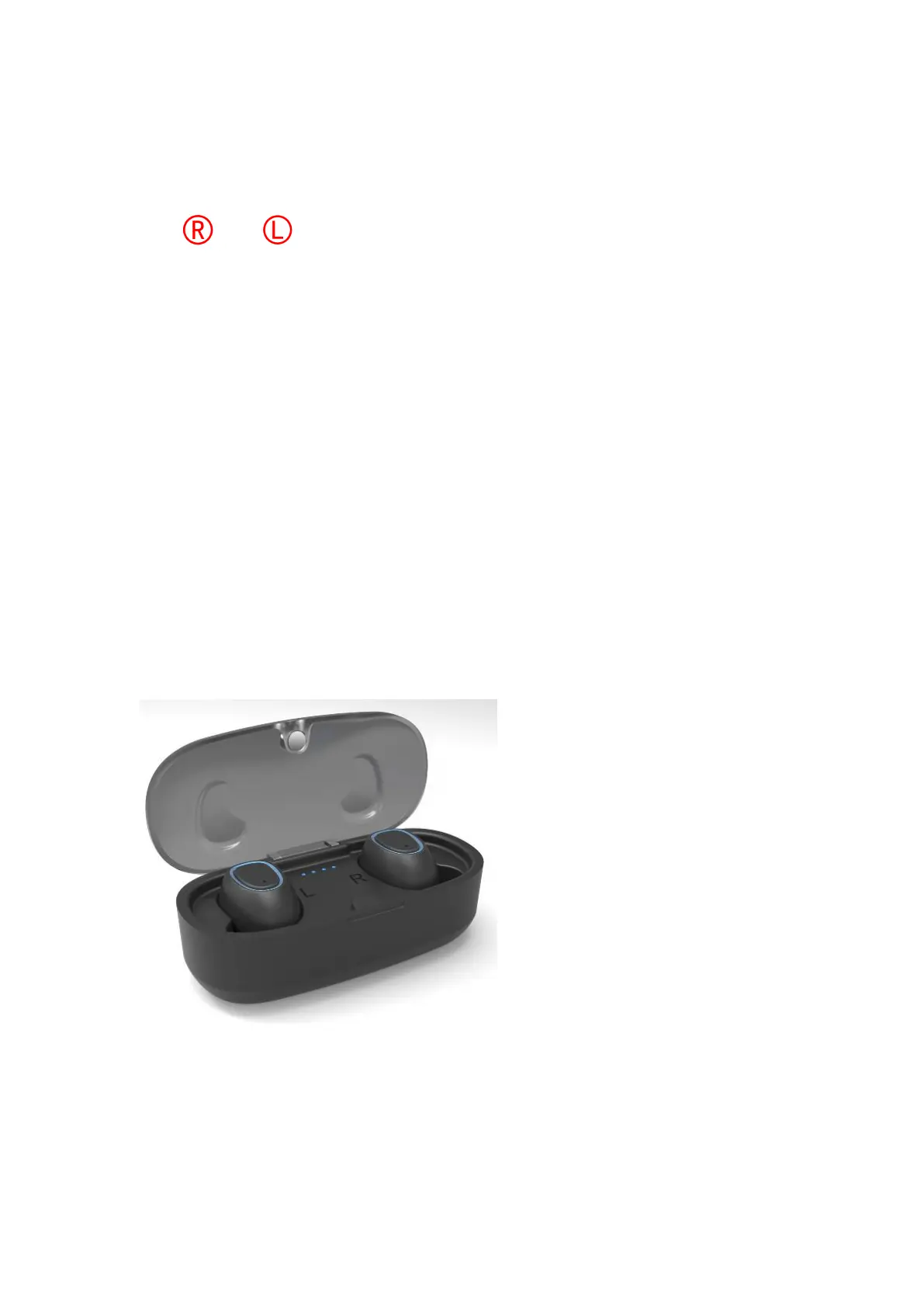
Charging for Earbuds
Put and earbuds into the Charging Cases and
close the lid to start the charging process.The
charging earbuds will flash red lights until fully
charged. Once fully charged the red light will turn off.
Case Power Indicator
“●●●●” 100% Power; “●●●” 75% Power;
“●●” 50% Power; “●” 25% Power;
(Note: The normal Charging Case holds 400 mAh of
battery power which can charge the earbuds up to 3 times
from no battery power before the case has to be charged.)



 To Next Page