06
GAMETRAKA - TEAM MANAGEMENT
CREATE A TEAM
IN GAMETRAKA
1 Usingthenavigationatthetop,clickTeams.
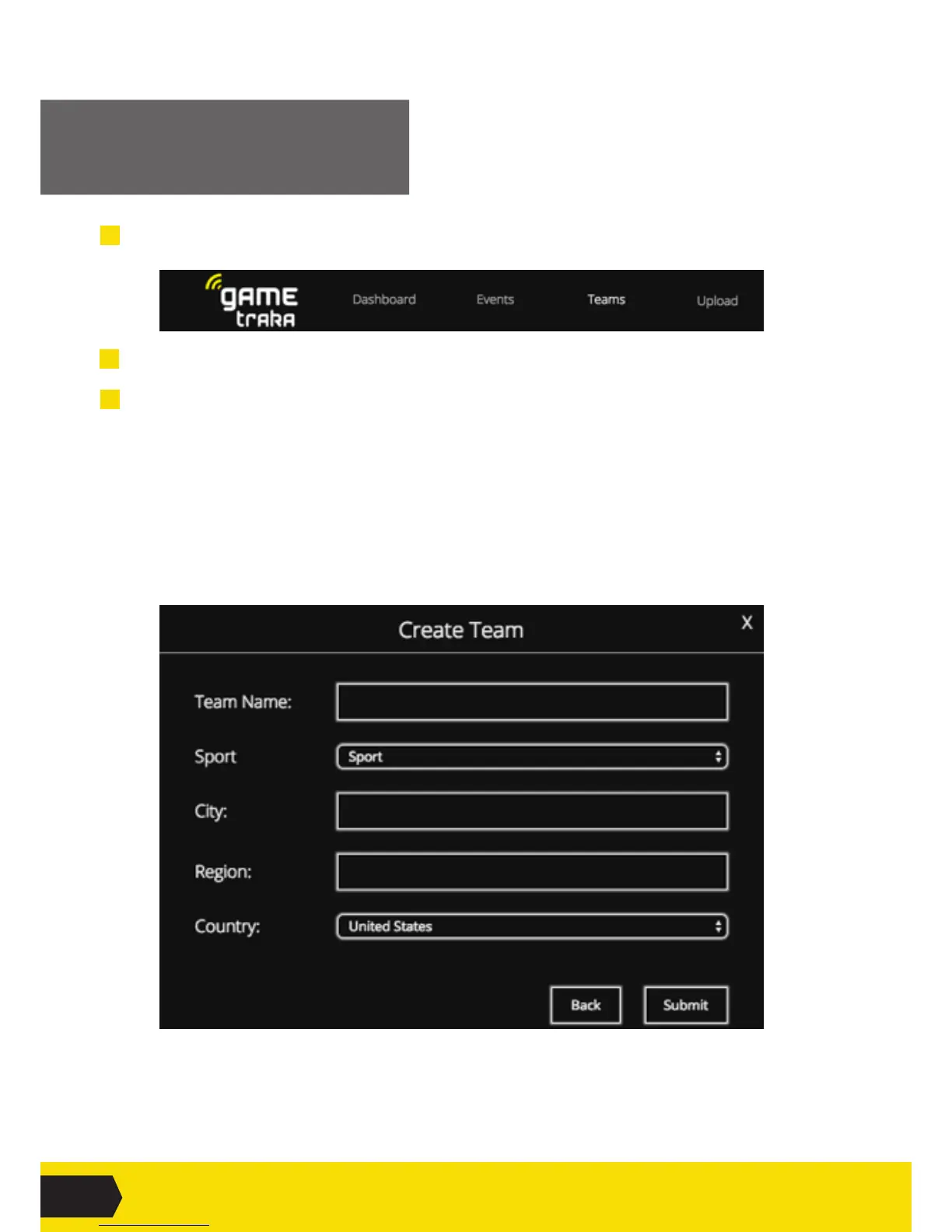
2 Navigate to Create Team. Fill out the information and Submit.
3 Addateammanager(administrator).
Youneedtobetheteammanagertoaddmoremanagers,herearethesteps:
i.ClickTeams in the top menu.
ii.ClickontheteamyoumanageandclickSettings on the left-hand side of the page.
iii.ScrolldowntotheManager Invite section.
iv.Entertheemailaddressofthemanageryouwouldliketoinvite.ClickInvite.
ItisalsopossibletomakeaplayeramanagerbygoingtotheManagement table,andclicking
the X under the Manager eld,fortheplayeryouwanttoassign.



 To Next Page