Square Reader Authentication and Use
on. The Square Reader also implements a forced reboot every 23.5 hours which initiates the
same self-tests as when the device is powered on.
How to decommission a Square Reader
To decommission the Square Reader please ship the device to the following address for
decommissioning:
Square, Inc.℅
: Reader Decommissioning
1455 Market St, Suite 600
San Francisco, CA 942103
USA
How to review the hardware and firmware version
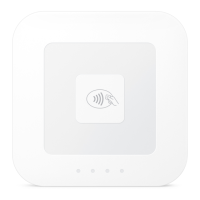
A Square Seller can confirm the hardware version by physical inspection as described above.
In addition, the Seller can confirm the hardware and firmware version via the
Suppo>Readers screen of the Square Register application.
The PCI approved firmware version is 2.2 which is displayed as “202xxx”.
© 2016 Square Inc. All Rights Reserved. Version 1.00 6


 To Next Page