Need help?
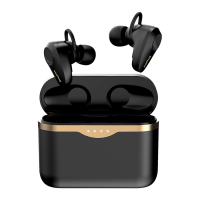
Do you have a question about the Srhythm S5 and is the answer not in the manual?
Step-by-step guide on how to insert and adjust earbuds for a secure and comfortable fit.
Instructions on choosing the correct ear tip size for optimal comfort, seal, and sound quality.
Procedure for pairing the Srhythm S5 earbuds with your smartphone or other Bluetooth-enabled device.
Overview of single, double, triple, and quadruple tap gestures for playback, ANC, and voice commands.
Details on long-press functions for track skipping and activating specific modes like game mode.
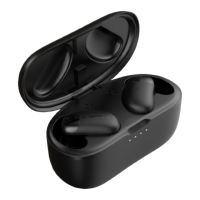
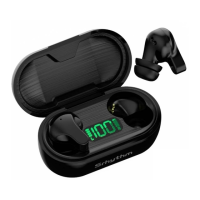
Instructions on how to place earbuds in the charging case and charge the case using a USB cable.
Steps to perform a factory reset on the earbuds to resolve connectivity or performance issues.
Information on accessing the full manual and important safety warnings regarding product damage.

 To Next Page
 General