2. Application Installation
2.1 APCam App Installation
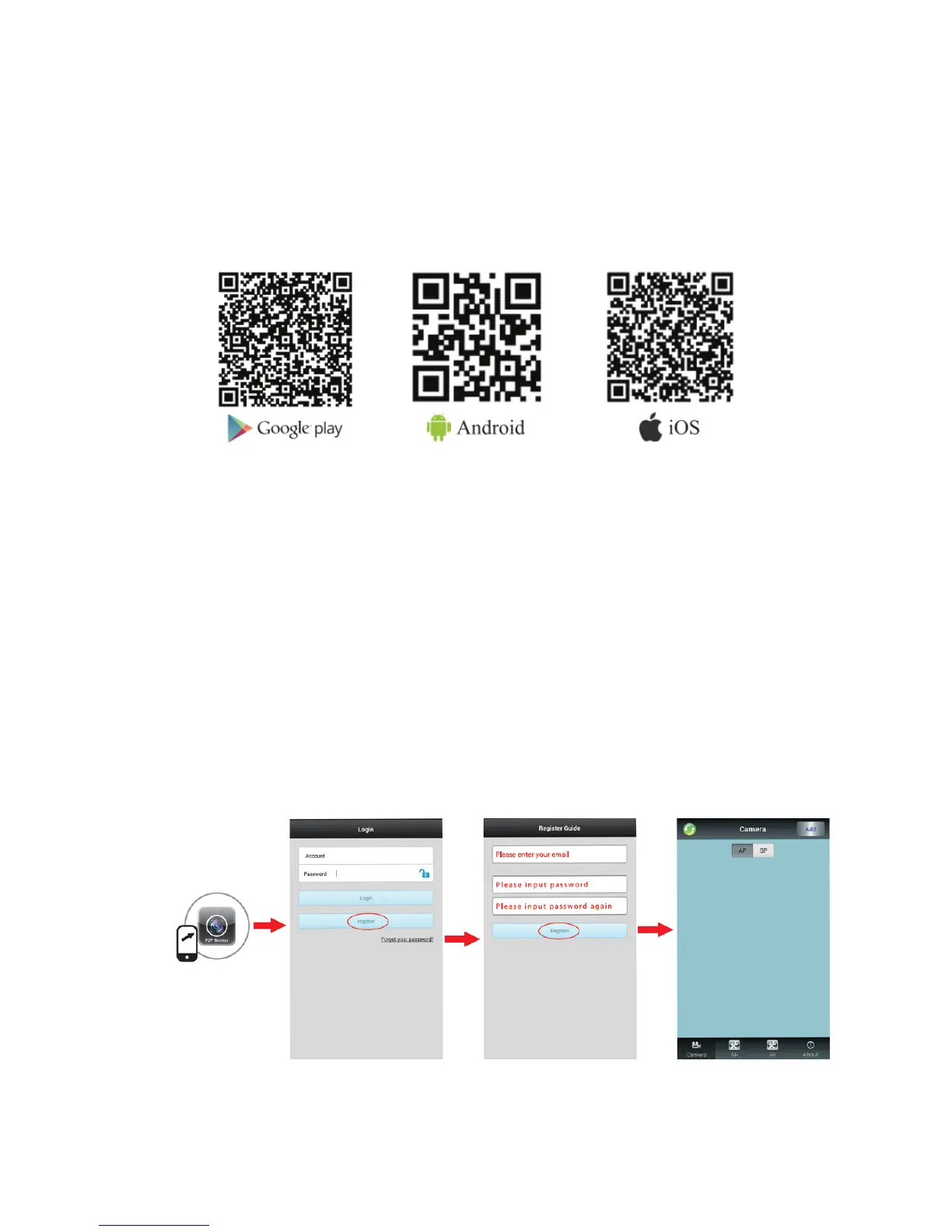
Method 1: Scan the QR code that corresponds to your device to download the
APCam application
Method 2: Search “APCam” on Google Play or iOS App Store
Method 3:
Android App Download Link:http://www.videoipcamera.cn/
iOS App Download Link:https://itunes.apple.com/us/app/apcam/id943353529
2.2 Register for an APCam Account
Before using the APCam App, you will need to register for an account.
Step 1: Launch the APCam App and navigate to the login screen.
Step 2: Touch the “Register” button and input your email and desired password. Your
account will then be created and signed in automatically every time the app is launched.



 To Next Page