Touch Screen Operation
Note: when select the INTRO Mode,
this player to start to play the previous
15 seconds part of each track/chapter
on disc. (Touch it again to cancel
this mode .)
3). RDM(RANDOM) FUNCTION
During DISC playback, touch screen
of “ ” section ( press the
RDM button on the remote control to
play in random. Each play mode the
order is different . (Depend on the
disc used for VCD).
Touch it again to cancel this function .
FOR VCD :
Press the INT button on the remote
control. It display will following
menu as below :
FOR Digital Video/MP3 :
For Digital Video/MP3 , press the INT
button is not available .
SEQ PLAY INTRO 1
OSD
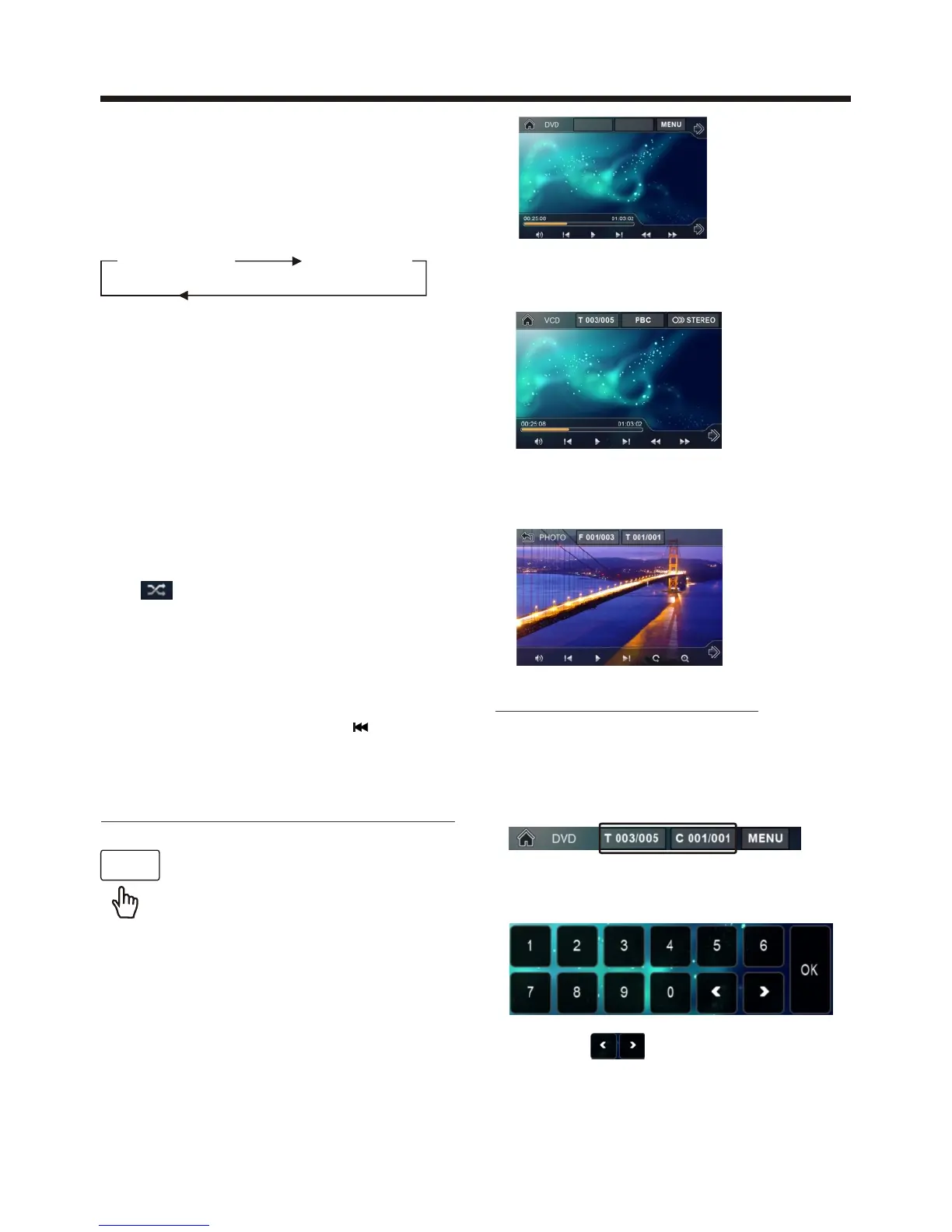
2. Example for VCD/SVCD, when it is on,
it will display the information such as:
3. Example for Movie or PHOTO .
When it is on, it will display the
information such as:
DISC Search (GOTO)
FOR Digital Video :
Touch the screen as show or press the
GOTO button on remote control;
the screen will display the following
message :
Touch the to select the your
adjustment item, then select the item
your favour by touching the numberic
buttons , then touch the OK button
to confirm .
T 001/004
C 001 /001
Note : in random mode, the button
is not available .
During playback, touch the
screen or press the OSD on the
remote control, it will display
the following as below :
Note: touch the screen or press the OSD
on the remote control again to cancel
the OSD information.
1. Digital Video , when it is on, it will
display the information such as:
ON-SCREEN DISPLAY FUNCTION



 To Next Page
 Loading...