64
7 Programming
Remarks
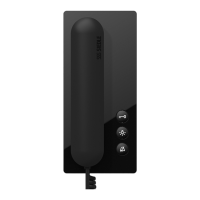
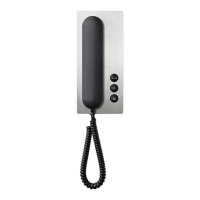
The In-Home bus can be pro-
grammed in three ways:
1 Programming - Manually, also
known as teach-in, from page 64.
2 Programming - Plug+Play from
page 84. Door call programming
without previous knowledge.
3 Programming - with PC and bus
programming software BPS 650-...
from V2.50 from page 88.
Important remarks prior to pro-
gramming
• The entire installation must have
been completed. When program-
ming using the Plug+Play method,
the housing of the bus telephones
must not yet be closed.
• Before starting programming, all
buttons should be inscribed to allow
them to be assigned to the relevant
bus telephones.
• It is only ever possible to activate
one door loudspeaker in the pro-
gramming mode.
• If an already programmed call
button is pressed for longer than 3
seconds in the programming mode
at the activated door loudspeaker,
after one second a warning tone is
sounded, and after 3 seconds the
conrmation tone. After this, the call
button is deleted if there was no bus
telephone active. However, if there
is a bus telephone active at this
moment, the button is overwritten
with the new address.
• All BNG/BVNG 650-... units must
be connected to mains voltage of
230 V AC.
• In multiple line systems with
several BNG/BVNG 650-... units,
actuating the Prog. mode button at
one BNG 650-... switches all other
connected BNG/BVNG 650-... units
to the programming mode.
• In multiple line systems, at each
BNG/BVNG 650-... a different
address must be set. The number
”0” cannot be used as an
address!
• In multiple line systems bus power
supply accessory ZBVG 650-... must
be additionally plugged into one
BNG/BVNG 650-... . The bus video
line rectier accessory ZBVNG 650-...
must be pIugged into each
BVNG 650-... .
Programming - manual
Procedure:
On principle, the In-Home bus can
be commissioned and programmed
by one person. However, as work
has to be executed both at the door
loudspeaker and the bus telephone,
we recommend that commissioning
be carried out by two people for
larger-scale projects.
• Complete the installation
• Check the switch positions at the
BNG 650-.... , in new systems set the
switch setting to Norm.
• Activate the programming mode
at the bus line rectier
• Set the door station to the pro-
gramming mode
• Program the users
• Quit the programming mode
While the bus line rectier is in the
programming mode, several steps
can be programmed in sequence.
There is no need to quit the pro-
gramming mode after every opera-
tion.
Information on programming
Plug+Play from page 84.
Programming with PC from
page 88.
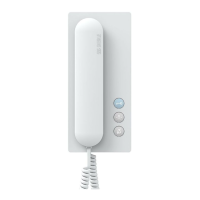
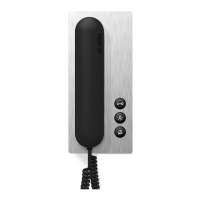
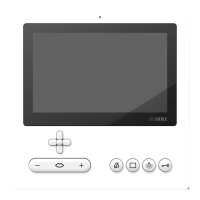
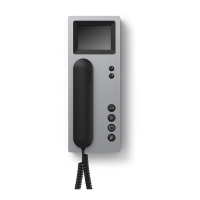
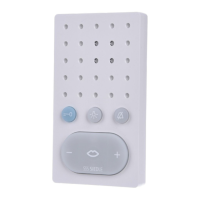
Handsfree bus telephones BFS/
BFSV/BFC/BFCV 850-...
Picking up and replacing the receiver
are no longer necessary when using
handsfree bus telephones BFS/BFSV/
BFC/BFCV 850-...
The devices switch to the program-
ming mode by pressing the light
button.
Once the programming step has
been performed, the handsfree bus
telephone switches back to the idle
status. All other programming steps
are identical.


 To Next Page
 Loading...