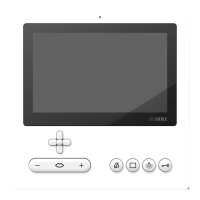
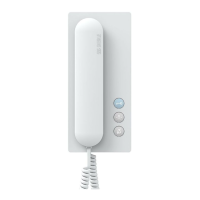
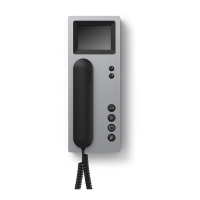
3
Overview
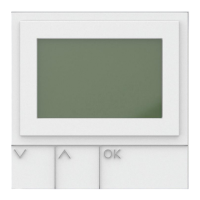
Display and navigation
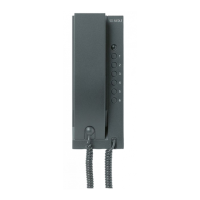
Model: Siedle Scope
Display
Siedle Scope 4
One for all 4
Safety remarks 5
Disposal 5
Getting started 6
Registering the cordless handset
at the base station 6
Charging the cordless handset
battery
6
Registering additional cordless
handsets at the base station
6
Switching the cordless handset
on and off
7
Incoming calls 8
Keypad lock 8
Dial the required number 8
Holding a call 8
Handsfree 8
Call silencing 9
Volume 9
Microphone silencing 9
Call parking 9
Call forwarding 10
Ending a call 10
Brokering 11
Cordless handset 11
Charging cradle 11
Door release 11
Setting the date and time 12
Setting the time 12
Date settings 13
Video 14
Phone volume 15
Main menu
16
Call lists 16
Intercom settings 18
Doormatic 18
Door call forwarding 19
Door call forwarding to the
public network telephone
19
Functions 20
Door 21
Control Device 21
Function 21
Settings 22
Status 22
Setting the time 23
Date settings 24
Audio settings 25
Ringtones 25
Phone volume 26
Notifications 27
Key tones 27
Battery tone 27
Signal tone 27
Speed dial 28
Making a speed dialling call 29
Frequently used functions 29
Language 31
System 31
ECO mode 32
Change PIN 32
Resetting the base station 34
Door call 35
Deregistering / registering a
handset
35
Dialling pause 35
External line digit 36
New entry 37
Phonebook options 38
Making a call to a phonebook
entry
38
Change entry 39
Deleting an entry 39
Intercom menu 40
The individual symbols in the
Intercom menu 40
Frequently asked questions 42
Index 43
Contents
Technical additions or printing
errors do not constitute grounds for
compensation claims.
Customer service in the
Furtwangen factory
+49 7723 63-375
These instructions are intended to
supplement:
•The Scope product information
•The In-Home bus: Video system
manual
The relevant current edition is
located in the download area on
www.siedle.de


 To Next Page
 Loading...