1
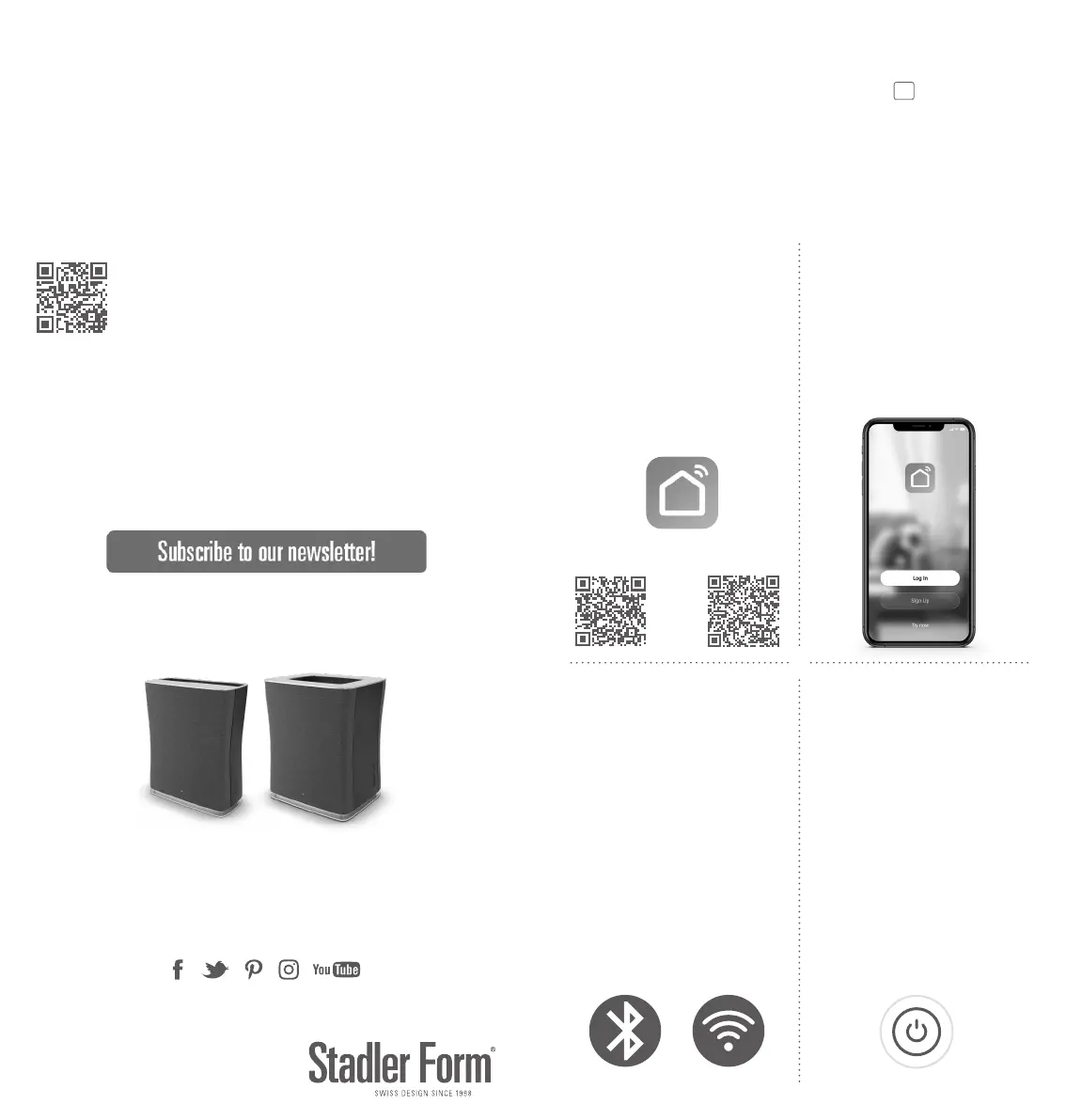
Install and open “Smart Life – Smart
Living” app.
Installieren und önen Sie die «Smart
Life – Smart Living» App.
Installez et ouvrez l’appli «Smart Life
– Smart Living».
App Store Google Play
2
Create an account and log in.
Erstellen Sie ein Konto und loggen Sie
sich ein.
Créez un compte et connectez-vous.
3
Make sure WiFi & Bluetooth are acti-
vated on your smartphone.
Stellen Sie sicher, dass WiFi & Blue-
tooth auf Ihrem Smartphone aktiviert
sind.
Assurez-vous d’avoir activé les fonc-
tions WiFi & Bluetooth sur votre
smartphone.
4
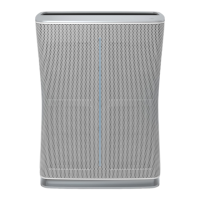
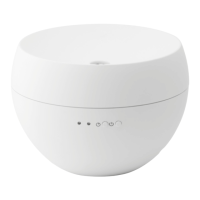
Plug in Roger / Roger big and switch
him on.
Schliessen Sie Roger / Roger big am
Stromnetz an und schalten Sie ihn ein.
Branchez Roger / Roger big et met-
tez-le en fonction.
Roger & Roger
WIFI – QUICK SETUP GUIDE
big
If you need additional support in connecting your Roger / Roger big with
your smartphone, please check the detailed instructions on our website:
www.stadlerform.com/connect
Wenn Sie zusätzliche Unterstützung beim Verbinden Ihres Rogers / Roger bigs mit
Ihrem Smartphone benötigen, konsultieren Sie bitte die detaillierte Anleitung auf
unserer Website: www.stadlerform.com/connect-DE
Si vous avez besoin d’un supplément d’aide pour connecter votre Roger / Roger
big à votre smartphone, veuillez consulter les instructions détaillées sur notre site
Internet: www.stadlerform.com/connect-FR
Any questions? Fragen? Des questions?
info@stadlerform.com
+41 41 720 48 48
www.stadlerform.com
21-1
www.stadlerform.com/Newsletter



 To Next Page