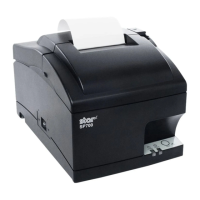
1. Rear Cover Unit
Turn the power switch
1
o and unplug the power
plug from the AC outlet.
Pull the open lever
2
toward yourself to open the
rear cover.
Removal
• 4 screws
3
• Rear cover unit
4
1.
2.
3.
2. Front Cover and Case Unit
Turn the power o and unplug the power plug from
the AC outlet.
Open the front cover
1
.
Removal
• 3 screws
2
ere is a little play in the printer mechanism by rst
removing the screws fastening the case unit. is will
make it easier to remove the front cover
1
.
• Front cover
1
Remove the front cover with the procedures below.
(1) Widen the A portion on the right side of the front
cover
1
to remove from the front cover from the
mechanism.
(2) Li the right side removed from the mechanism.
1.
2.
3.
A
- 10 -



 To Next Page
 Loading...