3. Listen to the melody and the accompaniment
Press the demo button and select the song, the record light and play light will turn on at the same time.
A. Press the play button, the record light turns off and the play light turns on. You can listen to the melody and play the
accompaniment.
B. Press the record button, the play light turns on and the record light turns off. You can listen to the accompaniment and
play the melody.
C. Come back to the performance of the practice songs with both hands.
Press the record button and the play button at the same time, the corresponding lights turn on, you can play in the
bass and treble with the practice song.
4. Listen to some part of the song again and again.
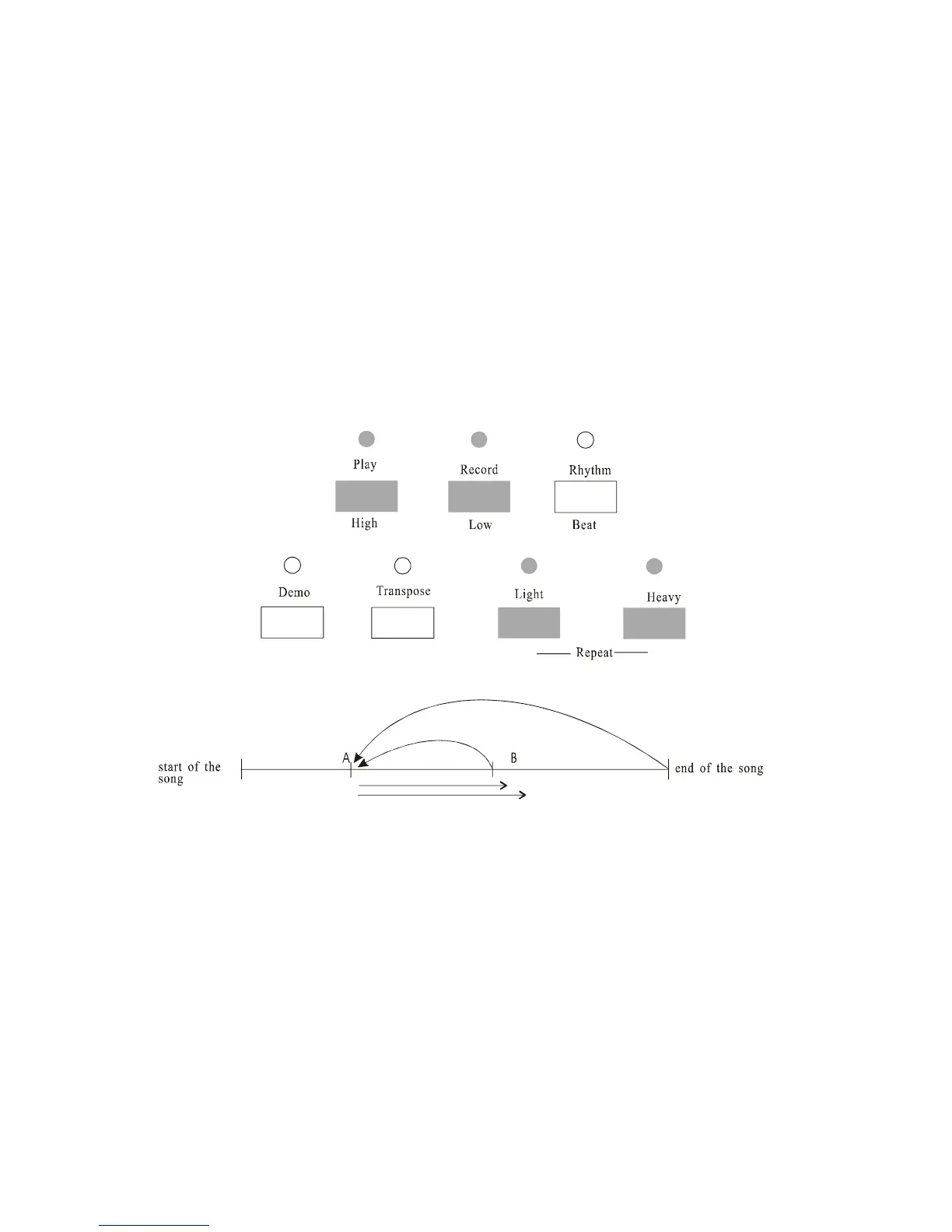
You can select one part of the song to listen and practice again and again, the way is to first name A point (start point) and
B point (return point).
A. Listen to your chosen song,
Begin to play the practice song, press A button during the play and the A light turns on.
B. Set A point (start point)
While A light is on, press the A button and set A point (start point), and the set of B point (turning point) is in waiting
state. A light is on, B light flashes. Now press the A button again, and the play begin from the A point.
C. Play the song again and again from A point to B point
Press B button and set B point (turning point) while A light is on and B light is blinking. Play will start from A point to B



 To Next Page