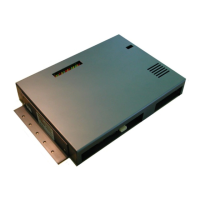
API A065 series Interfacing Via bowling (MC2)/Switch pinsetters
28
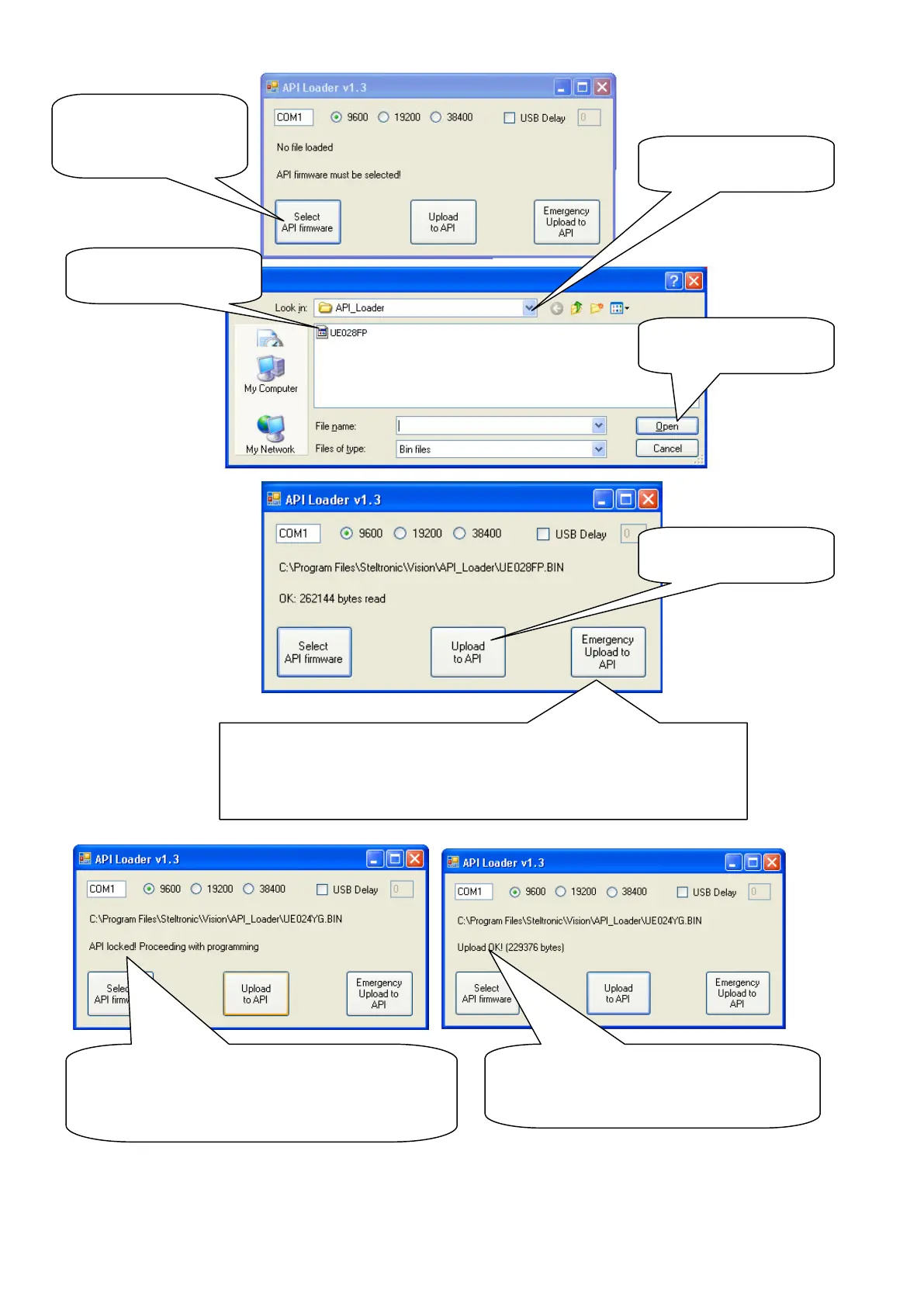
(8) Back on Vision Root click on Reboot button to Restart the Lane computer
WARNING!
If a previous update goes badly, or the A.P.I. software needs to
be resumed from a bad condition, use the Emergency upload
instead of Upload to Api button.
(5) Select the API
firmware bin file
As default the path
is API_Loader
(7) Click here to
Start API Update
As first, the Program LOCK the A.P.I.
communication, then proceed with erasing
the block and update the software. Wait
until the procedure end.
At the end of Upload, the program
shows upload OK! Close the API
loader window.


 To Next Page
 Loading...