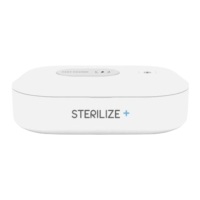
Connecting to USB
Take the USB-C type cable and insert it into the USB connecting port. Connect to a USB
power source (such as a power bank). The Sterilize+™ UV Sanitizing Wand is now ready to
use.
Turning On and Off
To turn the Sterilize+™ UV Sanitizing Wand on, switch the power button on. The device is
then ready for sanitization. To turn the device off, use the same switch.
Sanitization
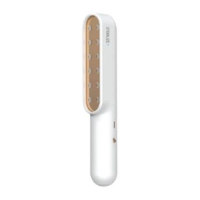
To start sanitization, press the LED button to turn on the light. Hold the Sterilize+™ UV
Sanitizing Wand approximately 1-2 inches from the surface of the item that you wish to sanitize
and gradually move the wand over the entire surface area. Allow the light to stay on each area


 To Next Page