6 7
Note: When a control is deleted it releases one of 16 internal memories, if a
new control to synchronize the operaon will not delete any of the controls
stored as a memory has been released.
Undoing the Timing of a Single Control
1
1 2
2
Undoing the ming of all controls
1. Press the SYNC key (20) of the central RX2. The LED indicator (16) will
ash.
2. Press the LRN key (21) of the central RX2. The LED indicator (16) will ash
faster and delete. The exclusion is completed.
Follow the Steps Below to Synchronize:
1. Press the SYNC key (20) the central RX2. The LED indicator (16) will ash.
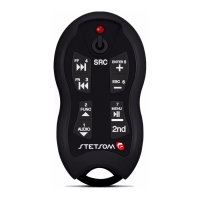
2. Press one of the TX2 control except Power buon (2).
3. The LED indicator (16) stops ashing. Timing is completed.
To synchronize more than one control (maximum 16), repeat steps 1-3. If
more than 16 controls are being synchronized, this new control will override
the rst synchronized canceling your ming and so on.
It is also possible to undo the ming control of each or all at the same me.
Aenon: Before performing the ming make sure that there is no one
other TX2 central control being operated near you, because it may interfere.
Synchronizing Your Alcance Control
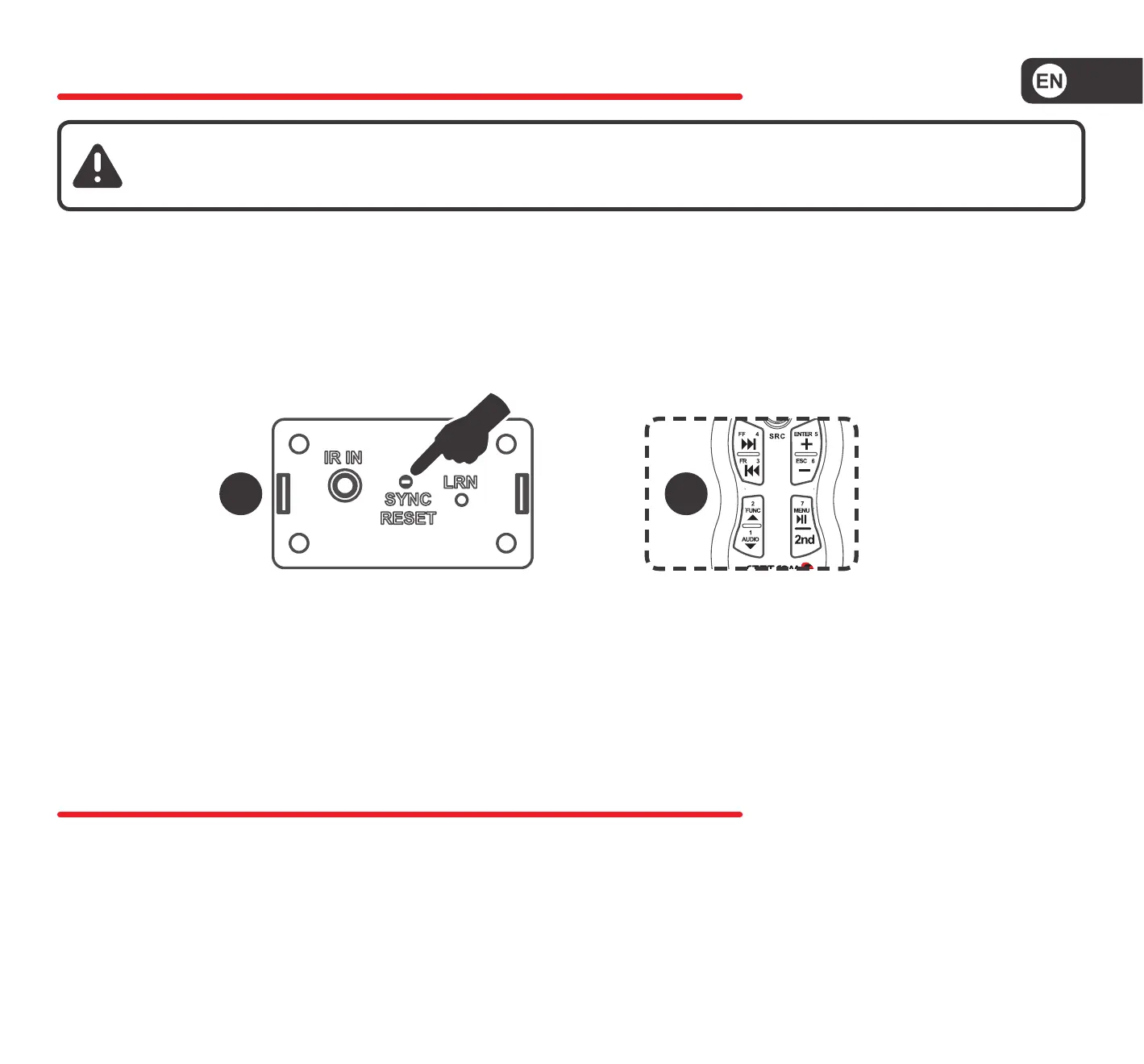
Undoing the Timing of a Single Control
1. Press the SYNC key (20) the central RX2. The LED indicator (16) will ash.
2. Press the Power buon (2) or 2nd and Power TX2 control you want to
delete.
3. The LED indicator (16) stops ashing. The exclusion is complete.
1 2


 To Next Page
 Loading...