8 9
Note: Choose a dimly lit environment, prefer locaon without uorescent
lamp or in a car, because external light may interfere with the Receiver
Infrared (19) Central. Plasma screens are also strong sources of interference.
Note: At this stage interference of external light can occur. If this
occurs, the control panel will detect the failure and rapid blinking the
LED indicator (16) instead of deleng and then will erase for a moment
and return to step 2 with LED indicator (16) ashing.
Programming
Learning Mode:
1. Press the central RX2 LRN key (21). The LED indicator (16) will ash.
2. Press the control buon TX2 you want to store. The LED indicator (16) will
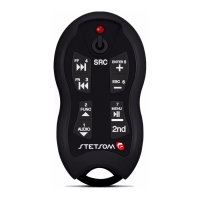
erase for a moment and light. For Second funcon, rst press the 2nd key
and then the desired key.
3. Point the original remote of the device you want to copy to the central
RX2 Receiver Infrared (19) and press the key to be stored. The LED indicator
(16) will erase for a moment and re-ashing the recording of this key is
completed.
4. Repeat steps 2 and 3 for all the buons you want to program. If a key is
programmed wrong, repeat steps 2 and 3 as many mes as necessary.
5. To exit Learn Mode press the LRN key (21) the central RX2.
Programming
For the operaon of your Alcance Control, the central RX2 should be
scheduled for the model of your device. This can be done in two ways, Direct
Mode (using the models of handsets from memory) or Learning Mode.
Direct Mode:
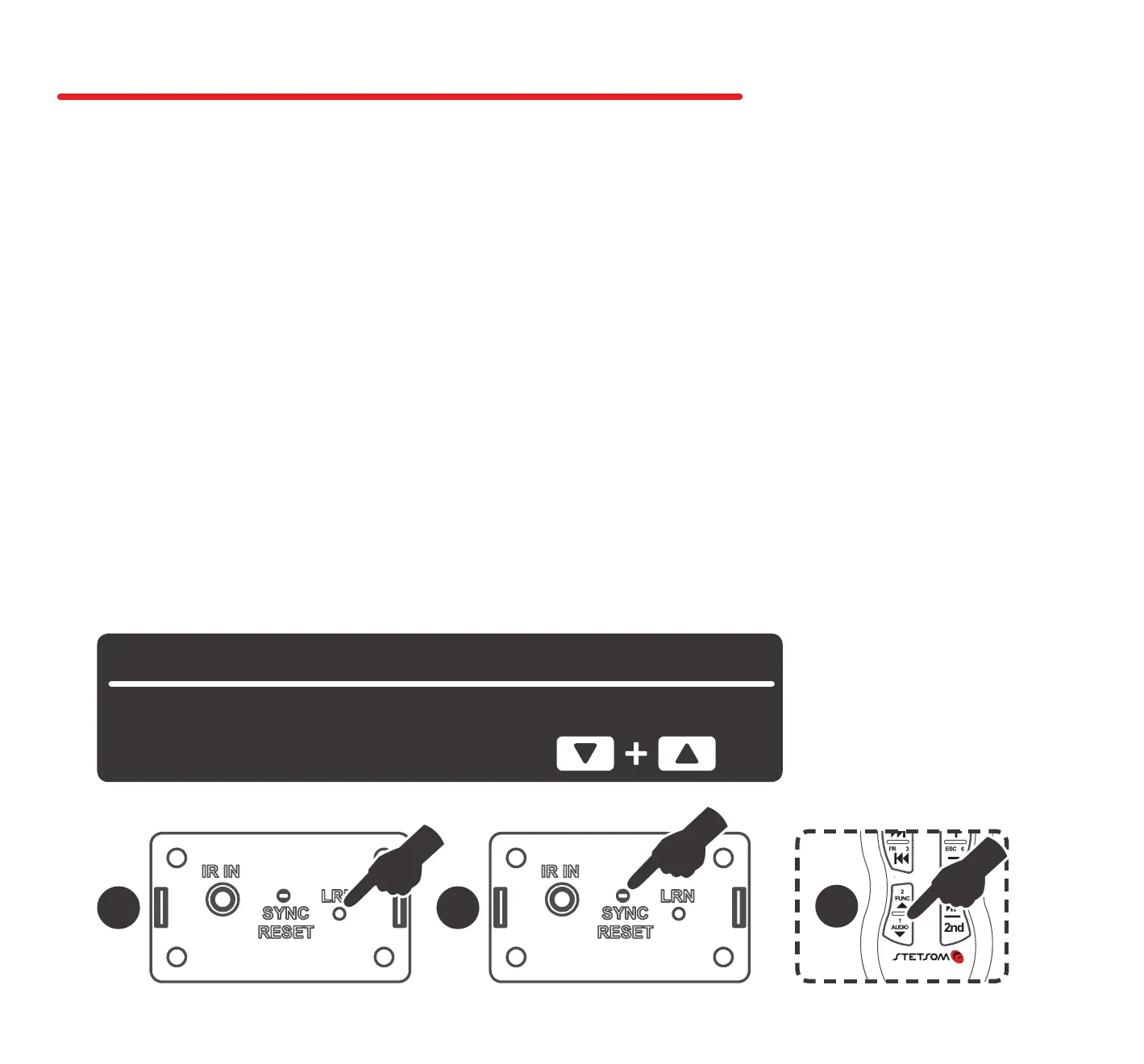
1. Look for the code of your machine in Code Table “Memory “ (See page X).
2. Press the LRN key (21) in the central RX2. The LED indicator (16) will ash.
3. Press the SYNC key (20) in the central RX2. The LED indicator (16) will
ash faster.
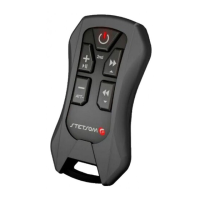
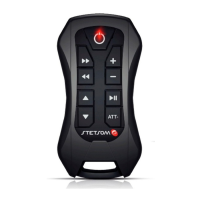
4. Press in the TX2 control the rst key of the table, the LED indicator (16)
will erase for a moment and return to rapid ashing.
5. Press the second key of the table. The LED indicator (16) will delete.
Its central is programming for the chosen device.
Example: Programming for Player PIONNER
CD/MP3-Player Keys Sequence
DEH-8380SD
2 3
4


 To Next Page
 Loading...