P. 5
2.4Ghz 6 Channel Transmitter and Receiver
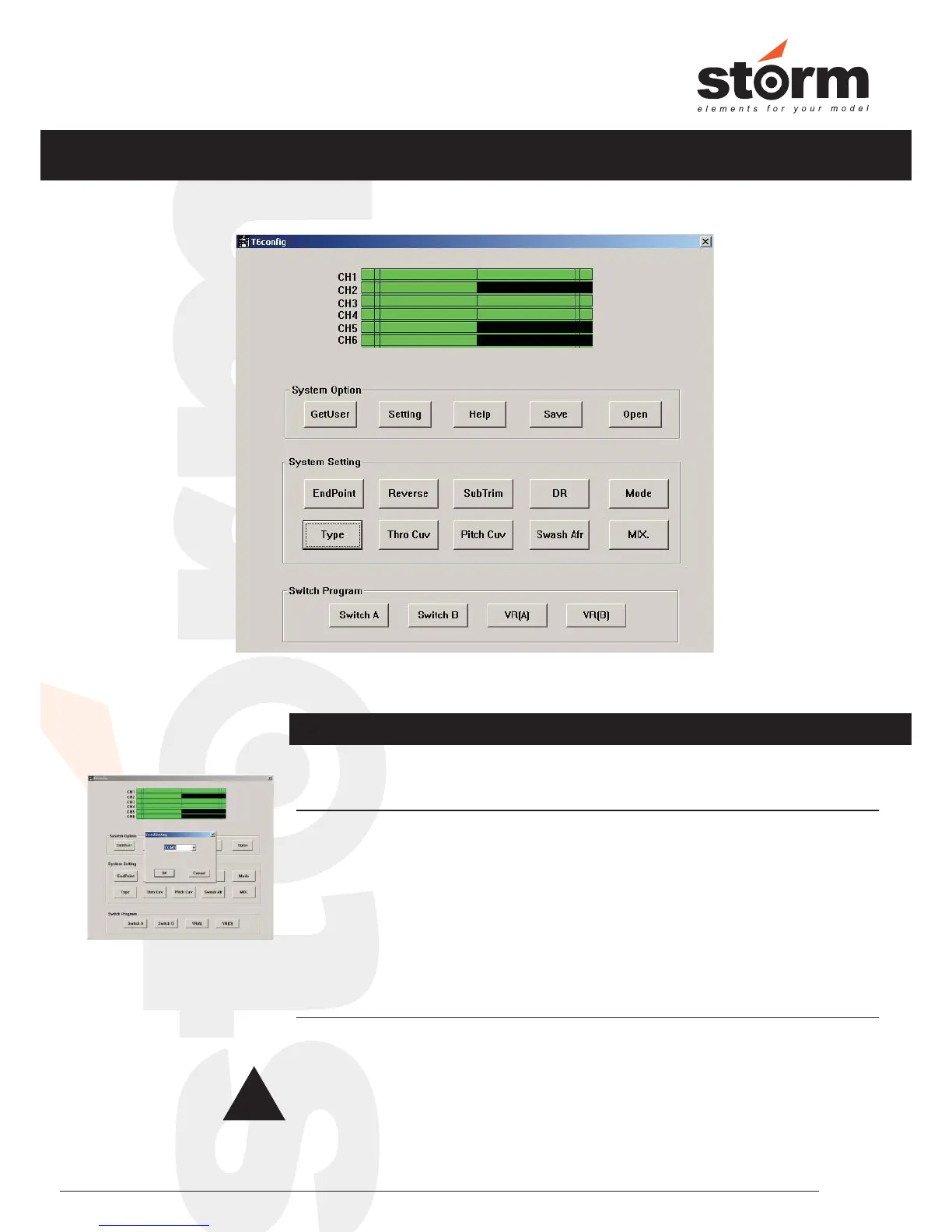
t6config.EXE Program Interface
Setting
Click “Setting”, you will need to choose the correct COM port that the USB driver
simulated. Please choose from these COM ports until the channel output
display has movement according to your stick movement on your transmitter.
Press “OK” when you have the corret COM port.
Click “GetUser” to import the current settings from the transmitter to computer.
Please click “GetUser” ASAP after the correct COM Port is selected, or your
settings on the transmitter will be overrided.
GetUser
!
How to Program the Transmtiter
System Options


 To Next Page