Motherboard installment
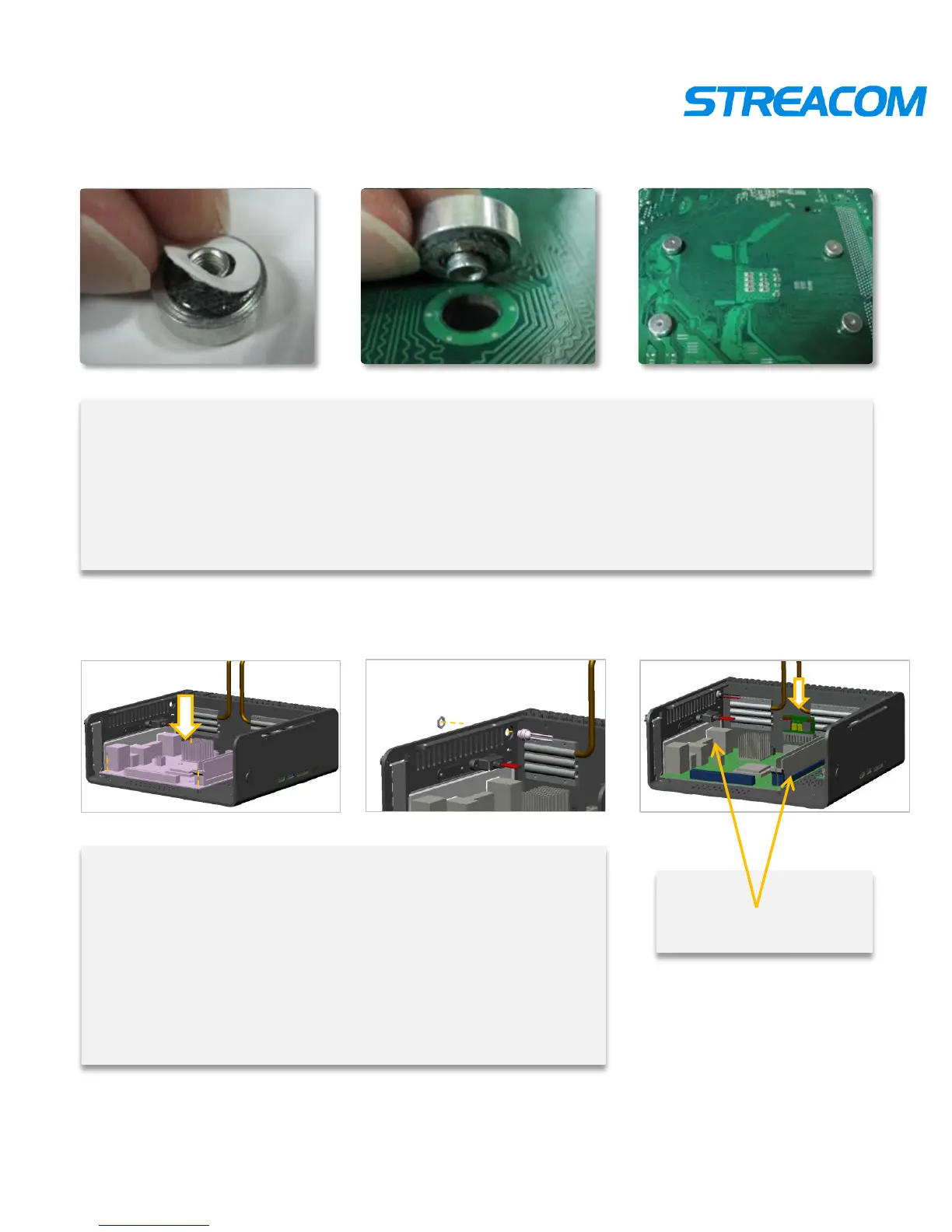
put the motherboard in right place. Alignment hole and lock
it
Show as pictures
Connecting relevant line in motherboard
Connect DC connector ,insert power, connect the power
line , and IR line , etc.
Show as pictures
Put the DC connector,
power , and other
electronic components
Install CPU nut
Tearing off the double faced adhesive tape protecting paper on CPU nut
Pressing CPU nut on motherboard cooling hole from motherboard’s underside
Pressing other 3pcs CPU nut
Show as pictures



 To Next Page