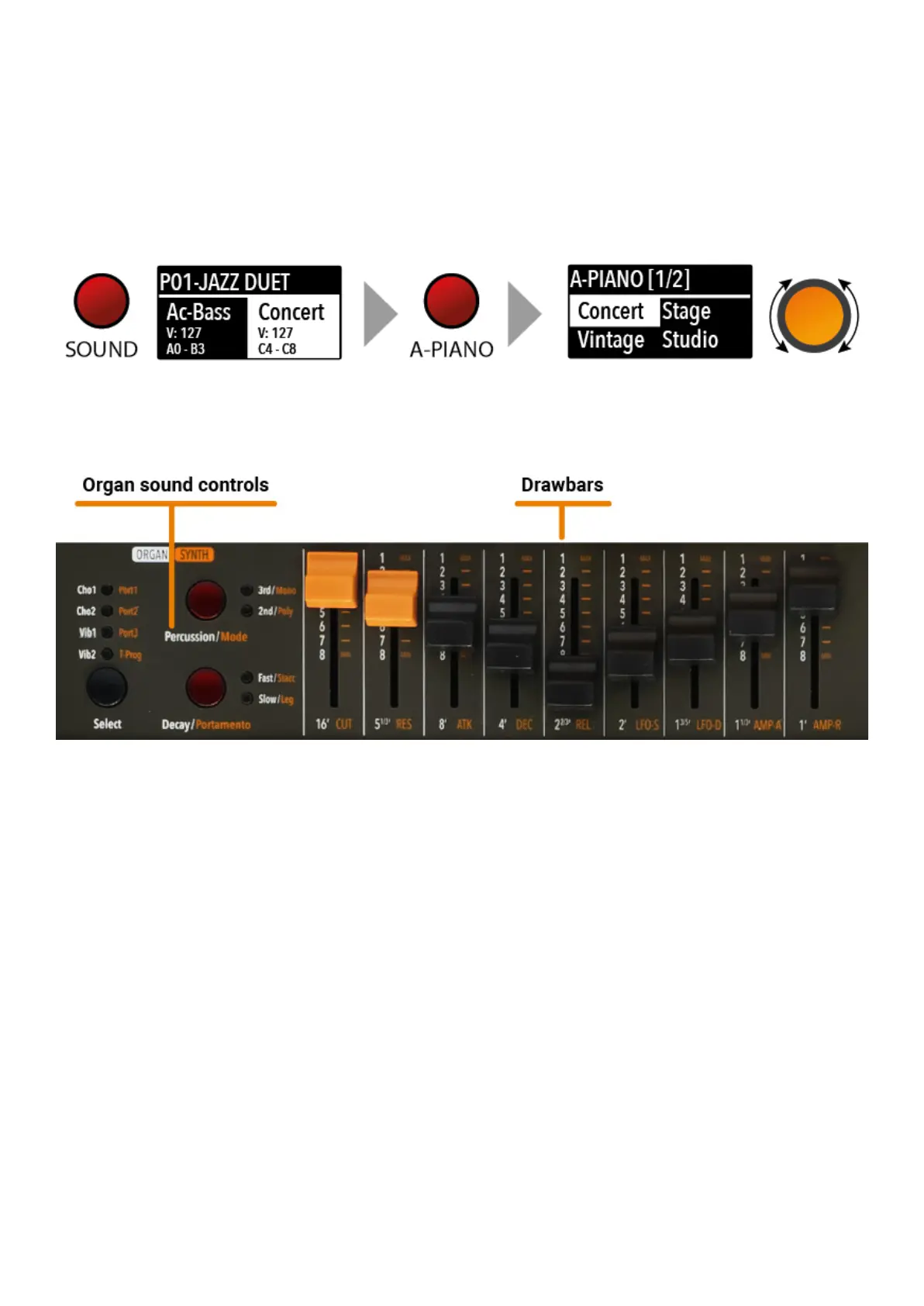
shown and selected in sequence, from the first to the last page of the Bank. The selection can be
done during a temporary window (approx 5 seconds) and the last selected sound will be
automatically memorized for each Bank. You can also click the Encoder to confirm the selection.
When you select a Bank, the focus will automatically go to the last selected Sound, to make the
sound selection easier and faster. Thanks to this function, you will have an automatic setting of
your preferred sounds for each Bank.
In an original tone wheel organ, 91 steel wheels with lobes rotate in front of a pick-up consisting of
a permanent bar magnet and a spool. Because of the tone wheels shape, the magnetic field in the
pick-up changes periodically and generates a sine wave.
With 8 different tone wheel shapes and 12 different gear trains 91 sine frequencies are generated.
As in additive synthesis, the 91 frequencies are the base for creating different sound timbres. By
means of a complex circuit lay out, the sound is mixed thru nine drawbars, allowing a tone wheel
organ to create hundreds sound timbres from just 91 generated sine frequencies: more than 380
million timbres are theoretically possible. To generate a sound, Numa Compact SE uses physical
modelling, a mathematical implementation of the tone wheel organ.
Thanks to the Modelling Technology, Numa Compact SE have been designed to give a wide variety
of sounds, allowing to build combinations using the drawbars and all the related post effects:
Vibrato, Chorus, Percussion with harmonics and decay controls, plus specific GLOBAL Edit pages
to control features like the Key Click and Percussion separate volumes.
The sound generated by the Organ Model can be sent to the same Effects chain of all other Sound
Banks, that can further enhance the quality of the sound, with all possible effects from the typical
User manual - Numa Compact X SE https://www.studiologic-music.com/support/articles/ncxse_manual/?l...
8 di 32 01/03/2024, 13:41



 To Next Page