14
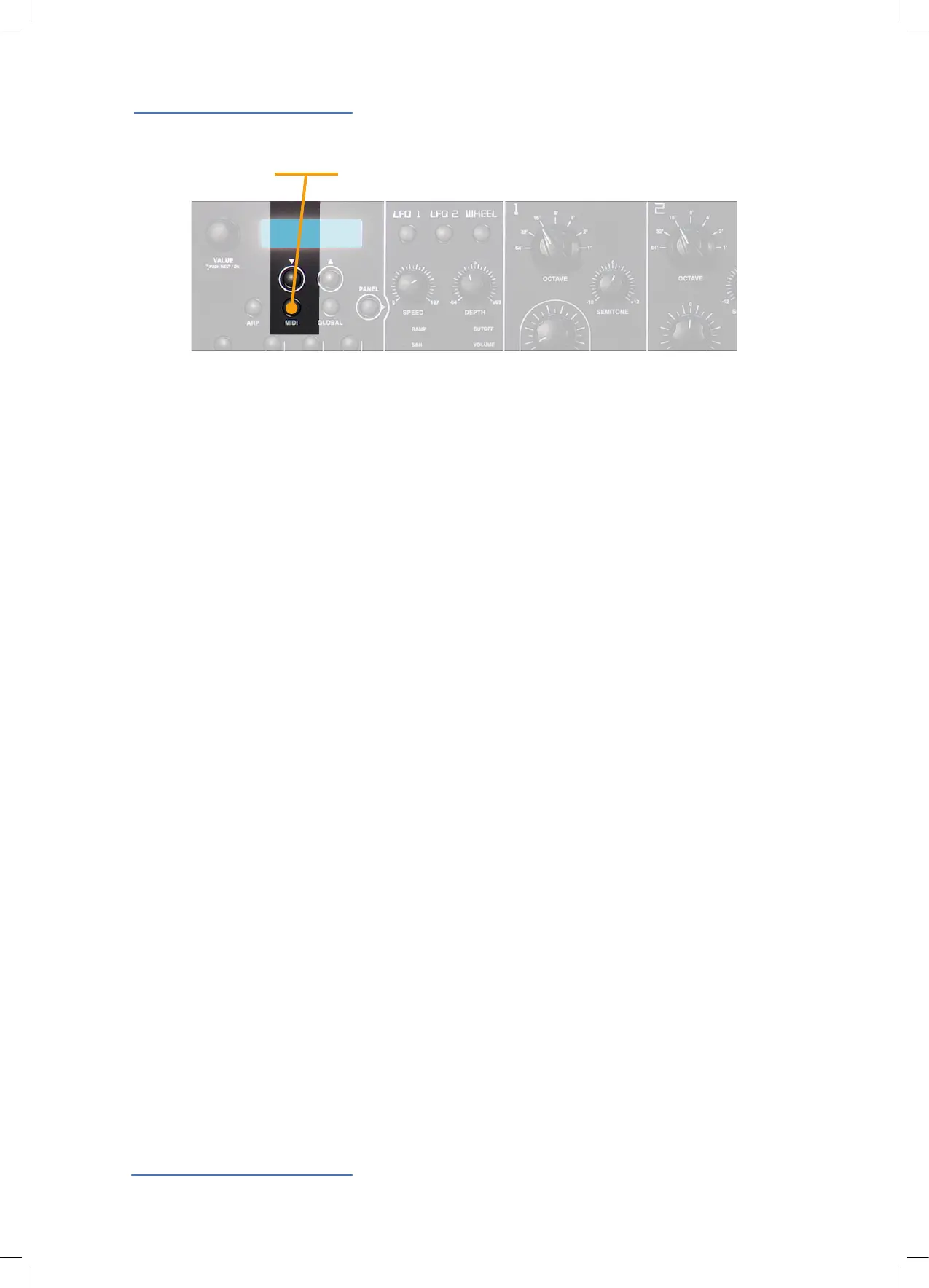
MIDI / Sound Backup
The Midi controls are related to all Midi Interface functions of
the Sledge, allowing it to control external units and/or to be
controlled by external units. The related pages (scrolled by
the navigation tabs under the display) are:
Channel: from 1 to 16 (the Sledge will send and receive Midi
data on the selected channel, or Omni (the Sledge will send
and receive data on all Midi channels)
Local: On (the instrument will play) – O (the instrument will
only send Midi data, while the internal sound module is de-
activated)
Velocity Curve: this function allows to modify the touch sen-
sitivity of the keyboard, from 3 dierent factory curves (Low/
Mid/Hi) to a xed midi value (from 003 to 127). When selec-
ting Low the keyboard feeling will be “easier” to control, while
it will require more eort to play if selected to Hi. Note: with
a xed velocity value the keyboard has no more any dynamic
sensitivity and some other parameter could be eected by
this condition, such as the Velocity control of the AMP sec-
tion, that would no more be active if a xed velocity is se-
lected !
Clock: Int (internal clock) – Ext (external clock) – Auto (auto-
matic selection of an external clock if sent to the instrument’s
Midi/serial input.
Send / Receive Control: allow to activate or deactivate the
Control Change parameters both for the In and Out, separa-
tely.
By rotating the Value Dial, in the MIDI last page, you can se-
lect between the functions:
Send Current Sound: it allows to send only the current sound
data to the external devices.
Send ALL Sounds: it allows to send all the sounds data to the
external devices.
By pushing the Value Dial, the selected function is activated.
MIDI
Sound Backup
MIDI


 To Next Page
 Loading...