Instruction manual VMK SERIES
15
keyboard
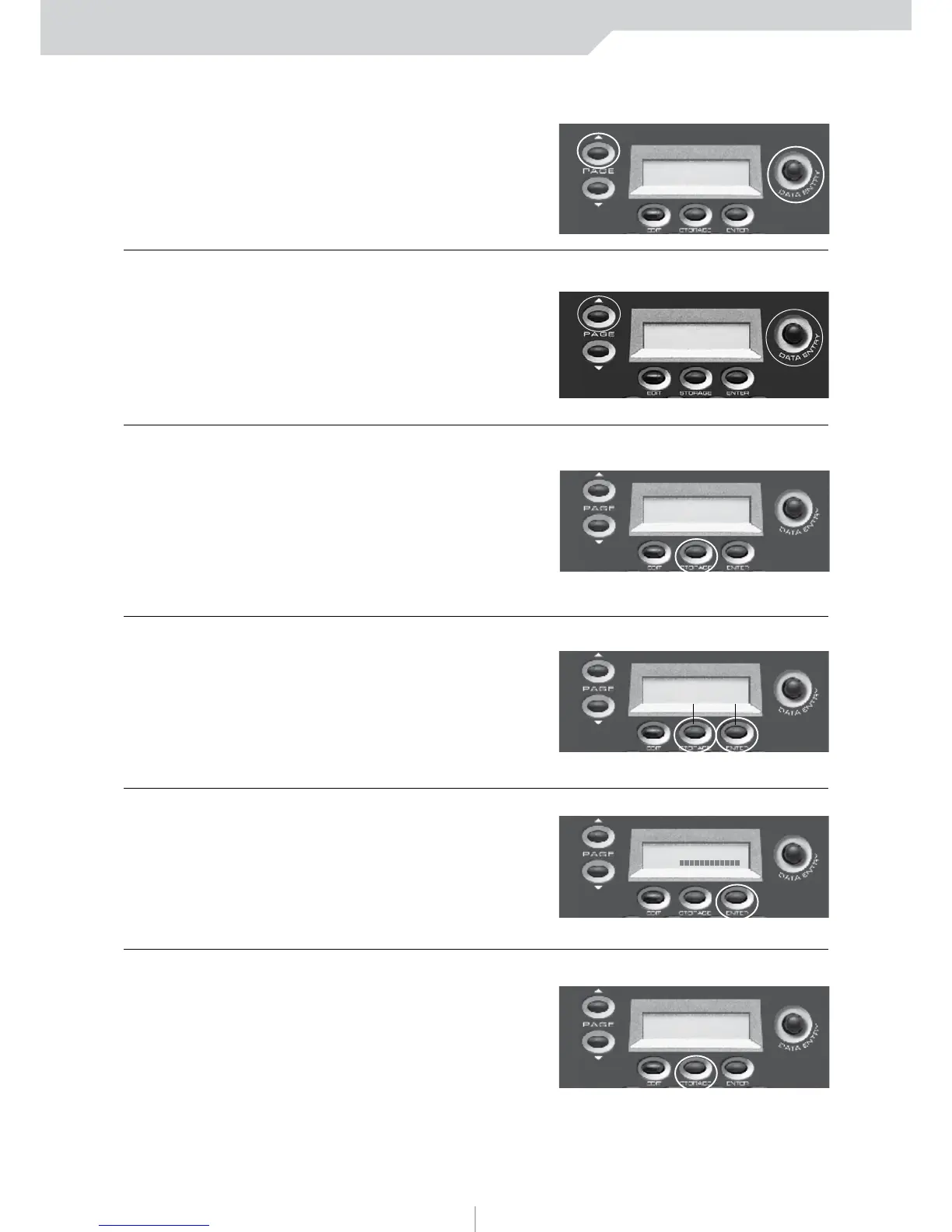
6) PRESS PAGE UP
Transpose can be adjusted
from 0 to +24 or 0 to -24
7) PRESS PAGE UP
You have the option to
program After Touch on or
off for each Patch.
6) PRESS STORAGE
You have the option to
program After Touch on or
off for each Patch.
NOTE:
Storage and Enter
buttons now function
as No and Yes buttons.
7) PRESS ENTER (Yes)
In this example we’ll choose Ye s .
8) PRESS STORAGE
The blinking cursor indicates
preset number selection.
KEYBOARD EDIT
TRANSPOSE:+ 0
SCREEN
CHANGE
KEYBOARD EDIT
AFTER TOUCH: ON
SCREEN
CHANGE
STORE PARAMETERS
NO YES
SCREEN
CHANGE
PRESET NUM.: 1
NAME:
SCREEN
CHANGE
STORE PARAMETERS
NO YES
SCREEN
CHANGE
ARE YOU SURE?
NO YES
SCREEN
CHANGE
To adjust the Transpose value use the DE knob
To adjust the After Touch value use the DE knob



 To Next Page