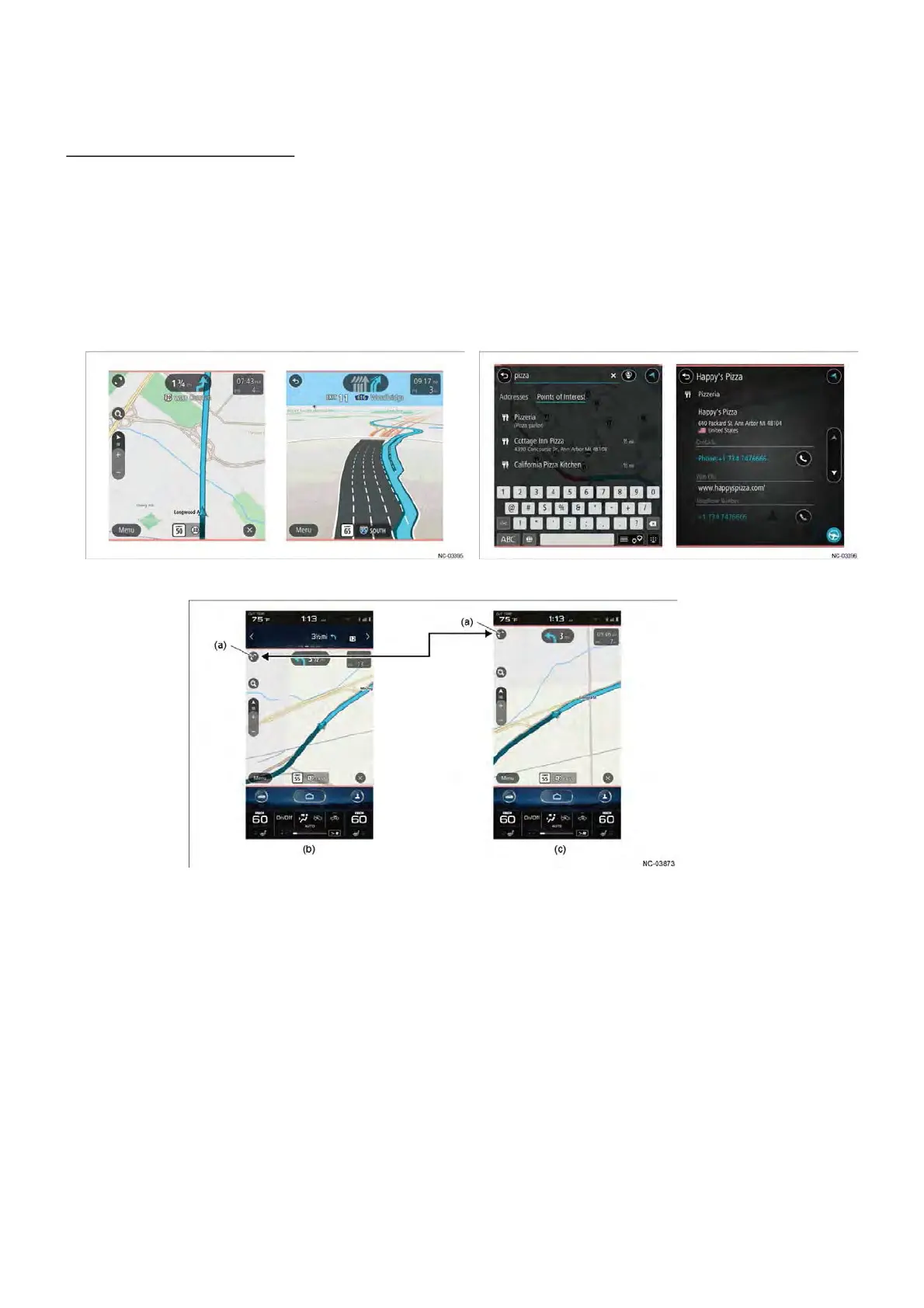
(1) Navigation (11.6-inch display navigation )
The navigation screen is displayed in the category area.
Provided various map displays and information lists with better overview, making full use of
a large display area.
The zoom icon on the navigation screen can be selected to enlarge the display area of the
navigation screen over the information bar area.
(a) Zoom up/ Zoom out icon (c)Navigation screen enlarged display
䠄The information bar area non-display䠅
(b) Navigation screen normal display
䠄 The information bar area display 䠅
4.4 Function ( Icon menu )



 To Next Page