20
After the beep, say the numbers of the phone number you wish to call. The system will
repeat the numbers you have said at this point. You can continue saying numbers, you
DBODBODFMNBLFBDPSSFDUJPOPSEJBM4BZi%JBMwUIFTZTUFNXJMMUIFOEJBMUIFOVNCFS
Making a Call
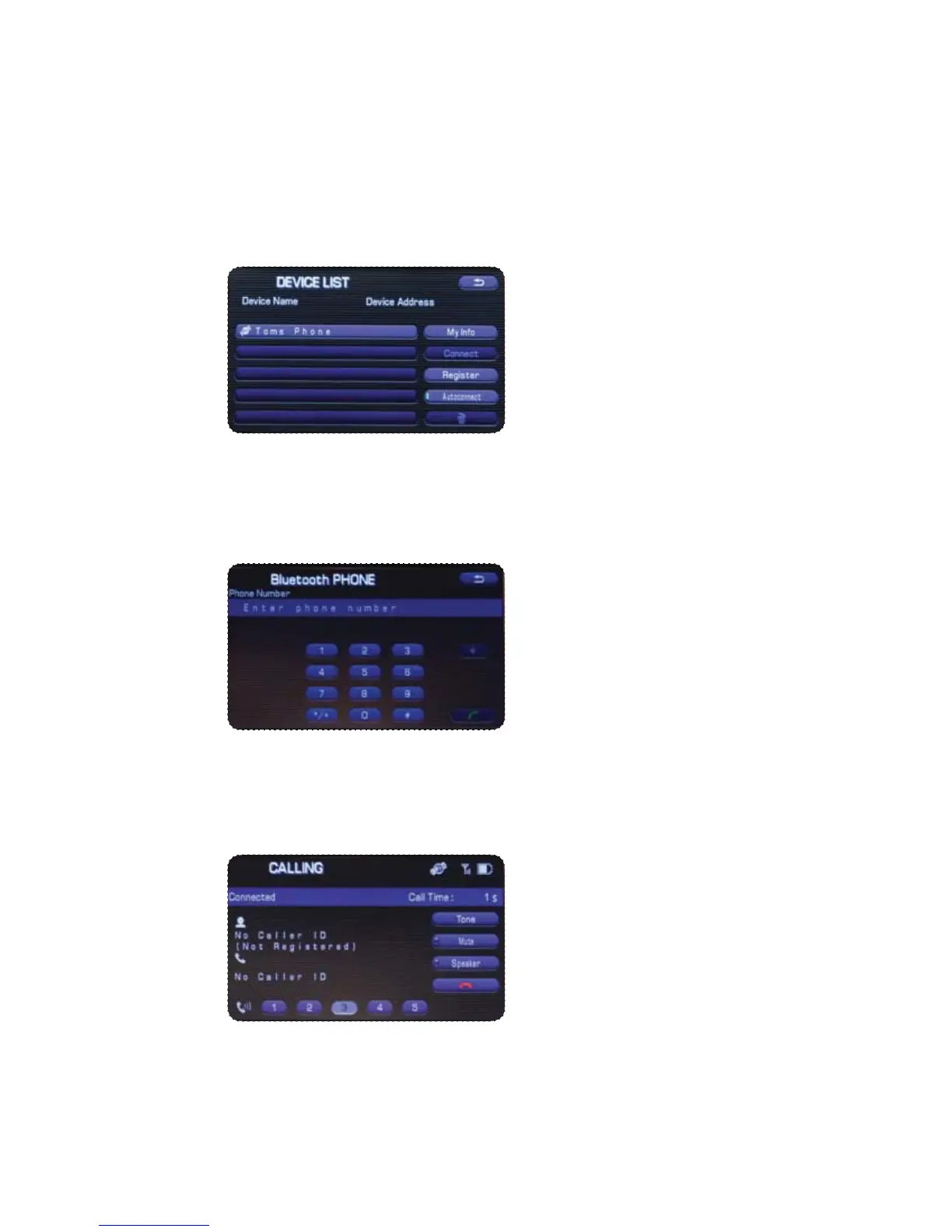
1SFTTUIF5BMLCVUUPOPOUIFTUFFSJOHXIFFMUIFOTBZi%JBMCZOVNCFSw"OVNFSJDBMLFZQBE
will be displayed.
Put your phone into Bluetooth pairing mode and pair your phone to the system using
the pass-key provided. When the phone is successfully paired the screen will show
the phone’s name on the list.



 To Next Page